



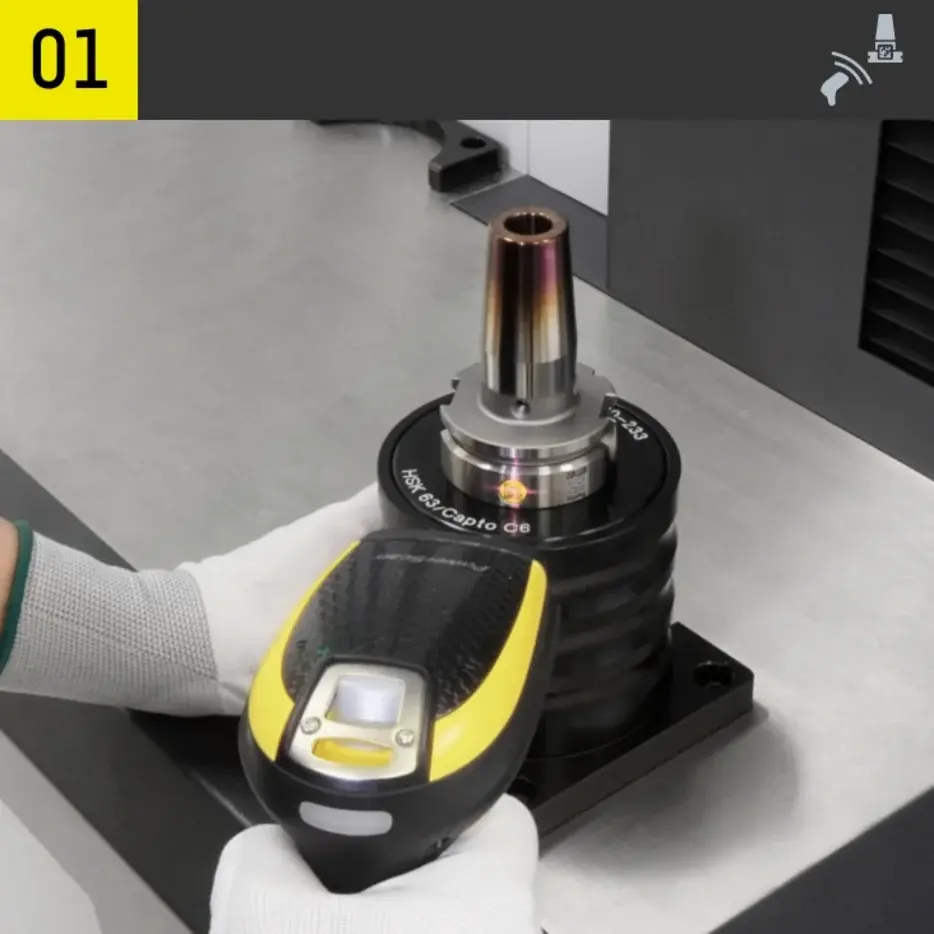
Insert the holder.
Insert the shrink fit holder and select the heating parameters – manually or automatically via »idChip«.
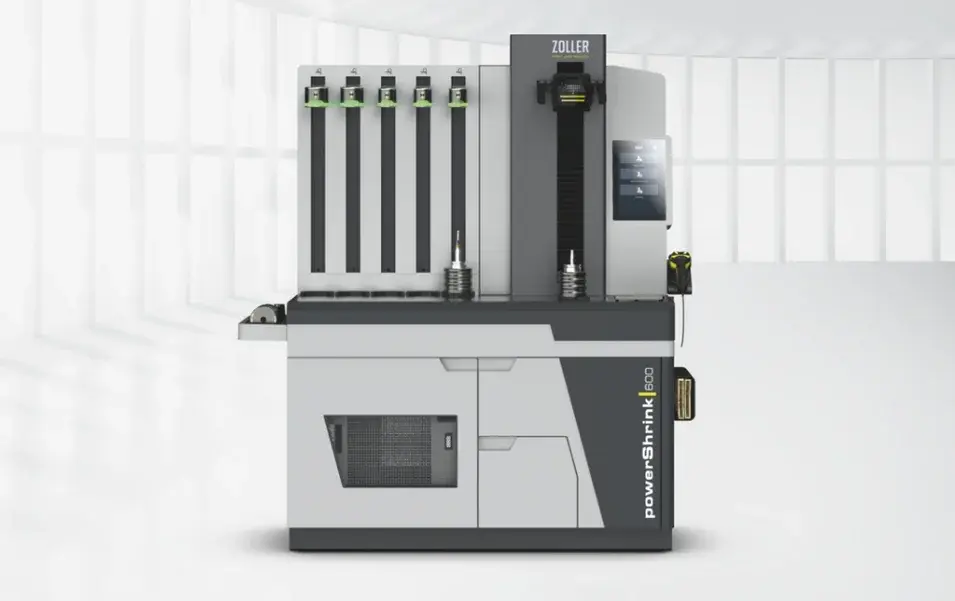
The shrink-fit system with optimal energy efficiency and maximum safety
Up to 30 % less energy than the previous model.
2 to 7 seconds heating time – depending on the clamping diameter.
Two windings. Switched separately for diameter and length.
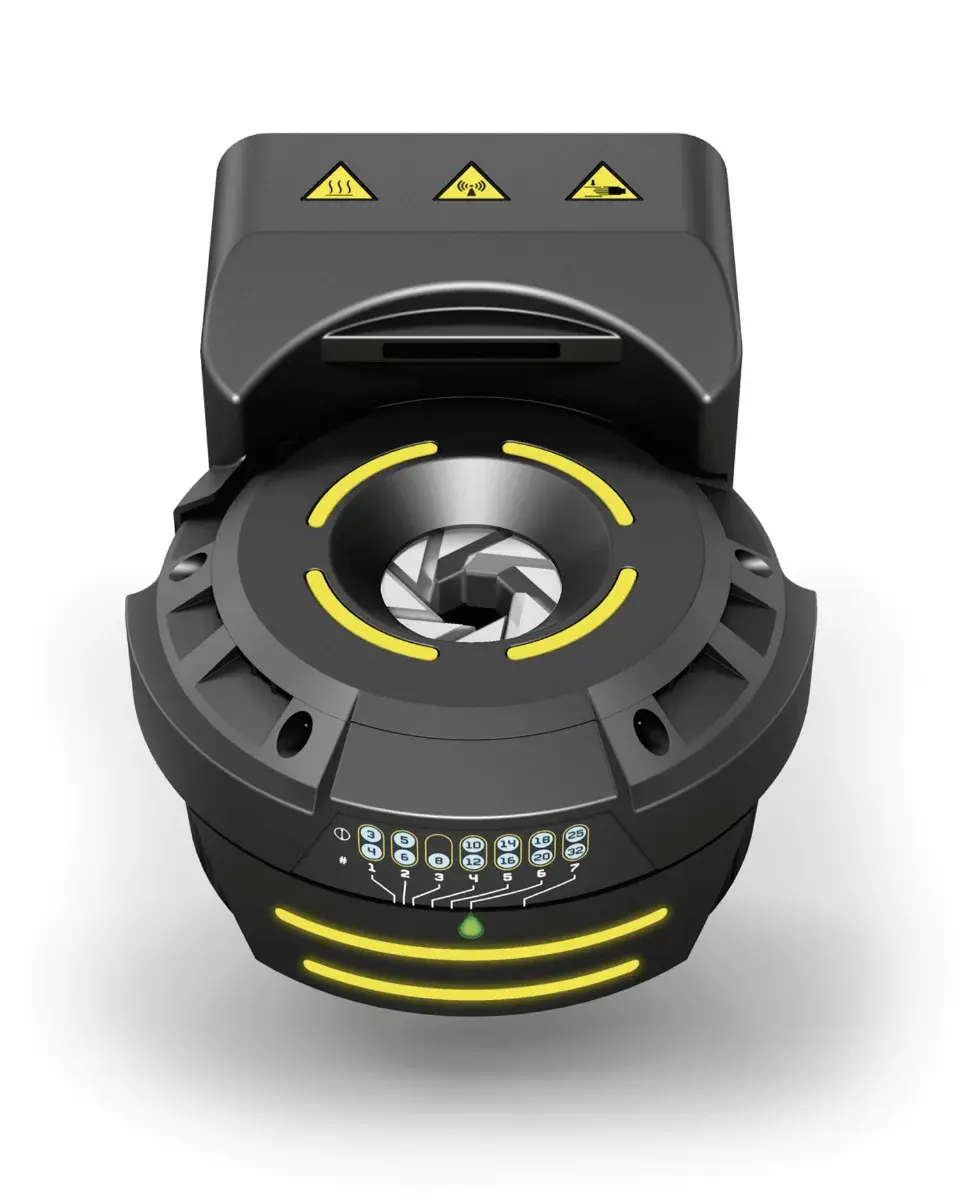
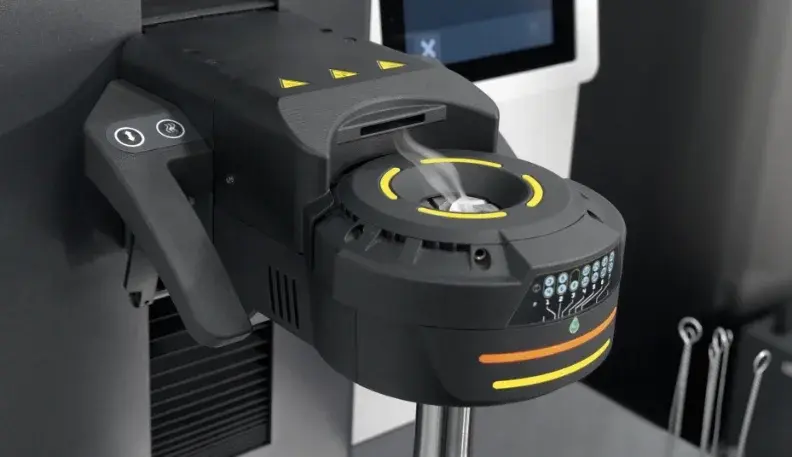
»actbyLight«. LEDs guide you safely through the shrinking process.
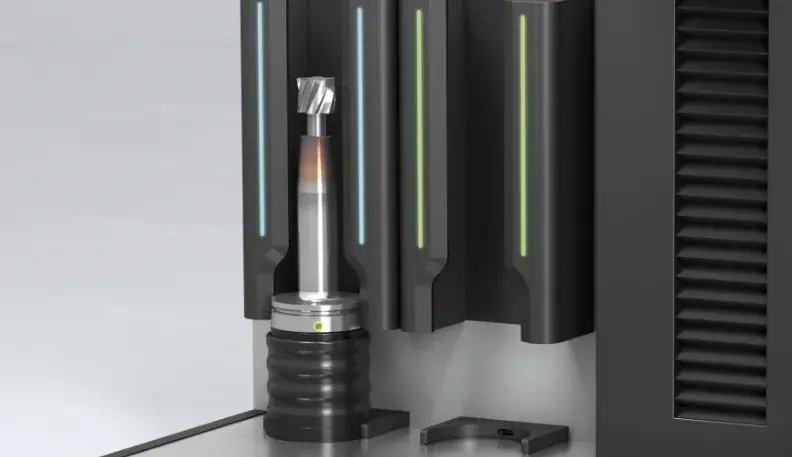
5 cooling bells for shrink fit holders from D6 to D32 mm.
Shrink and unshrink tools in record time while saving energy and protecting the tooling – with the inductive »powerShrink« shrinking system you boost the efficiency of your production.
Insert the shrink fit holder and select the heating parameters – manually or automatically via »idChip«.
Insert the shielding disc or adjust »varOct« – the coil's magnetic field is aligned and shielded exactly.
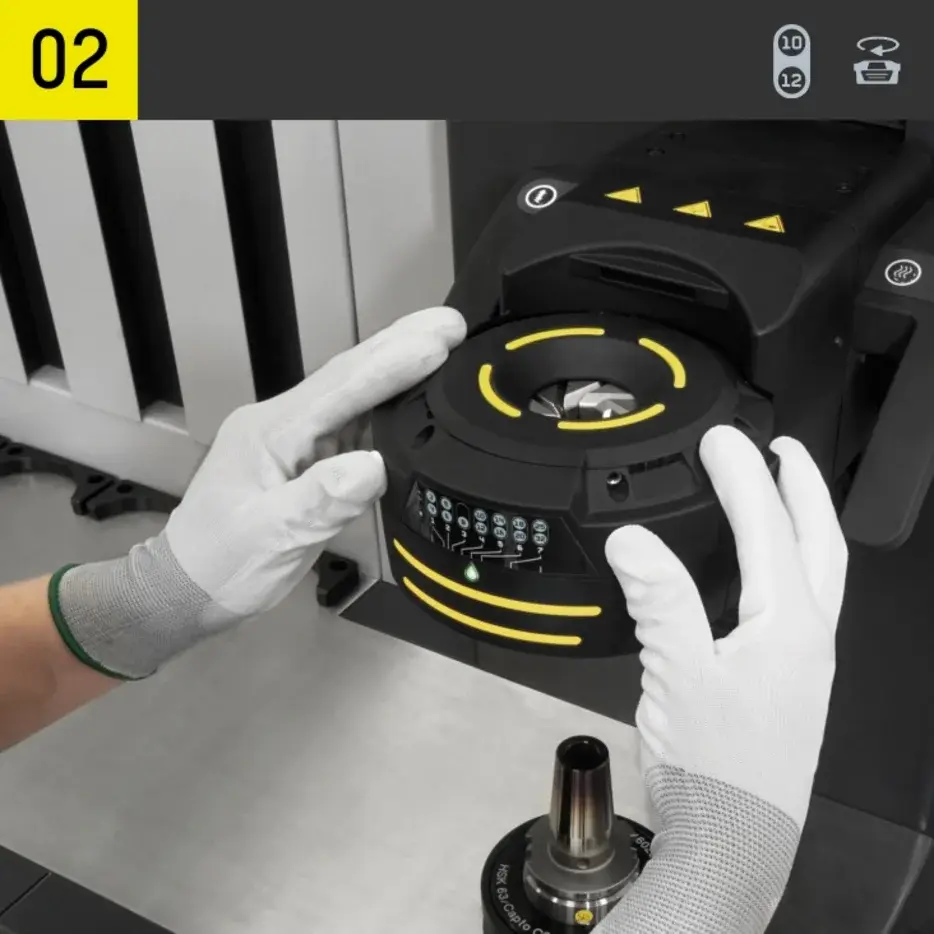
Move the coil down until it rests on the shrink fit holder.
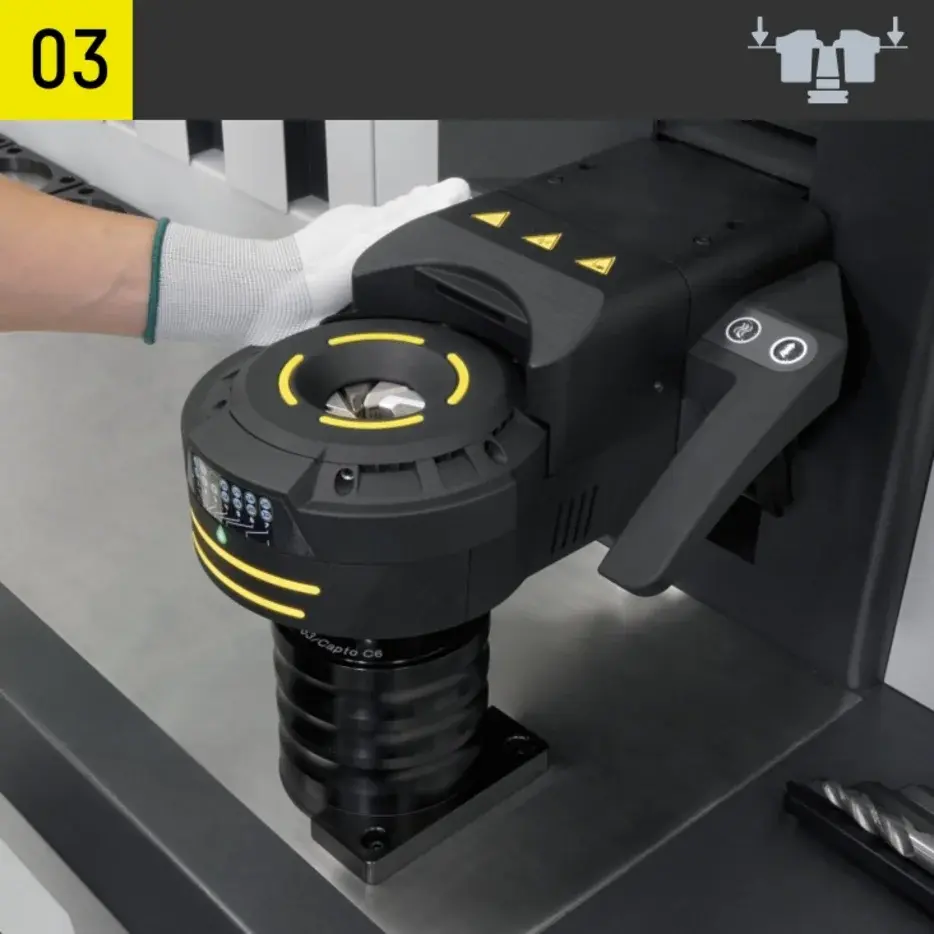
Start the heating process – the heating progress is shown in the software. Only the clamping area is heated, only as long as necessary.
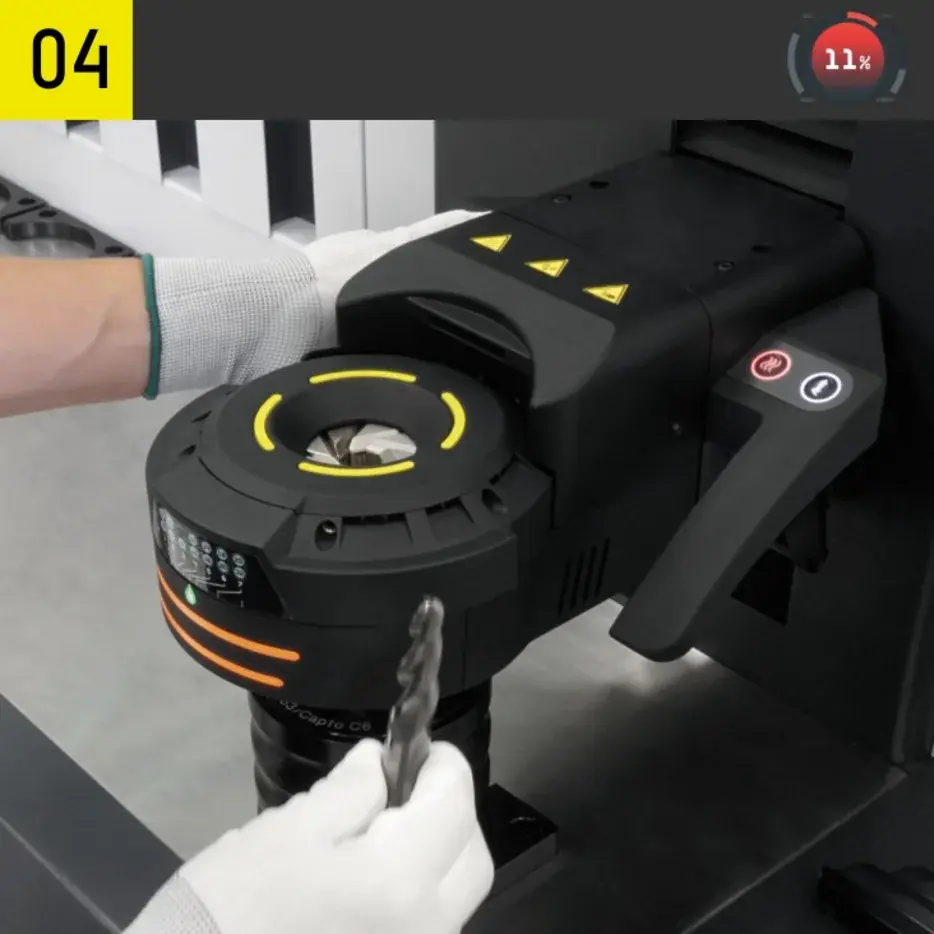
After heating, raise the coil and insert the cutting tool into the shrink fit holder.
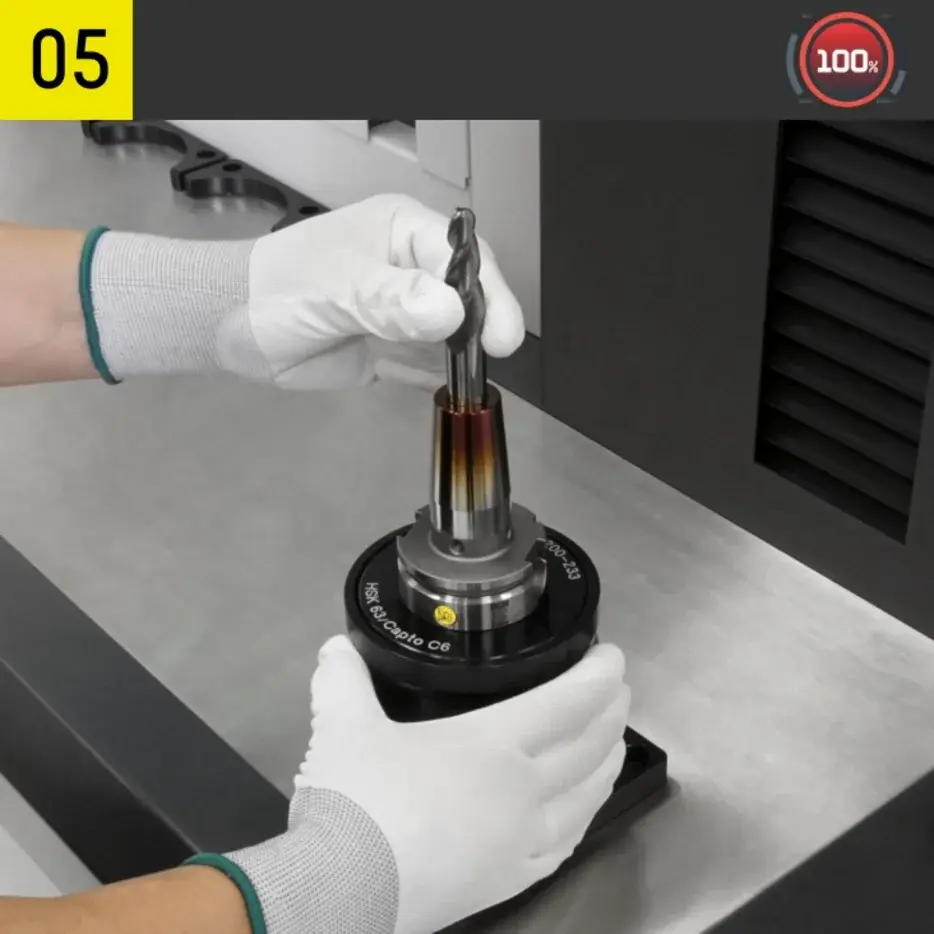
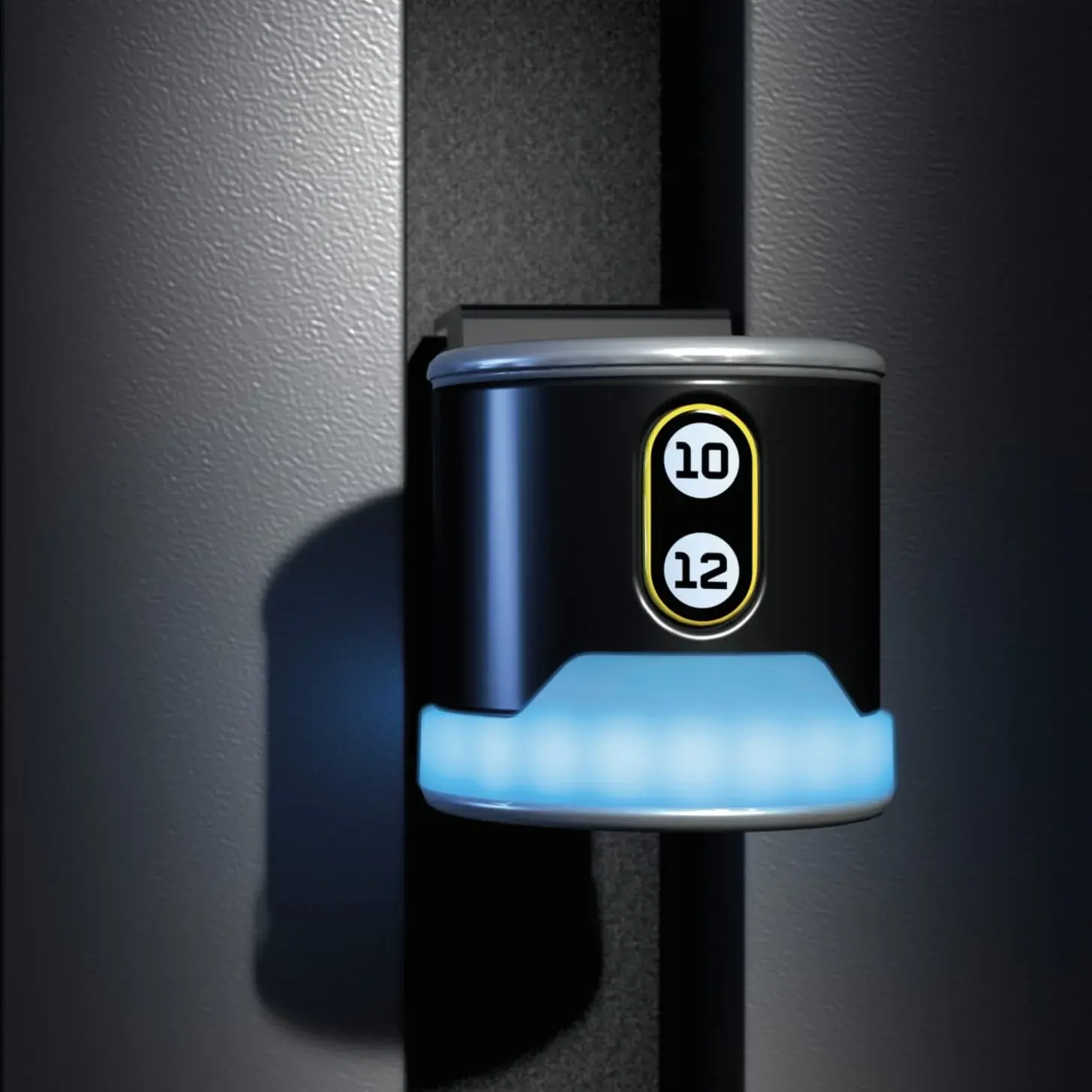
Slide the holder to the green-flashing cooling bell and place the bell on top.
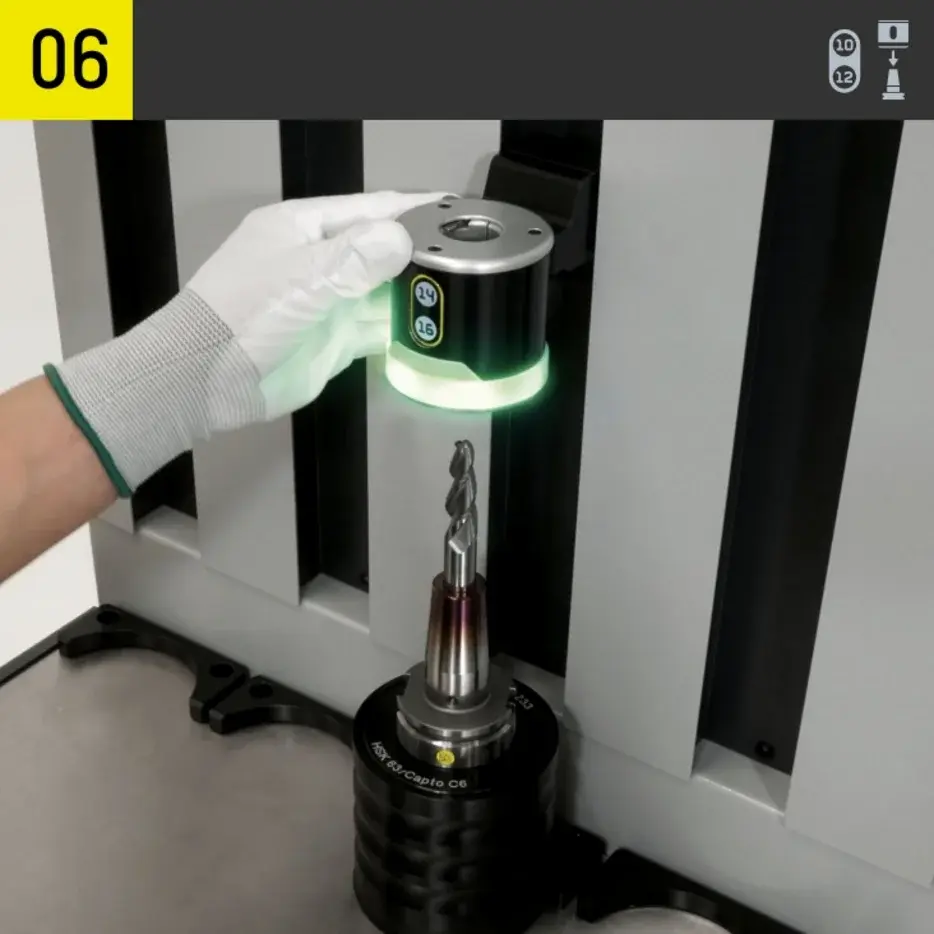
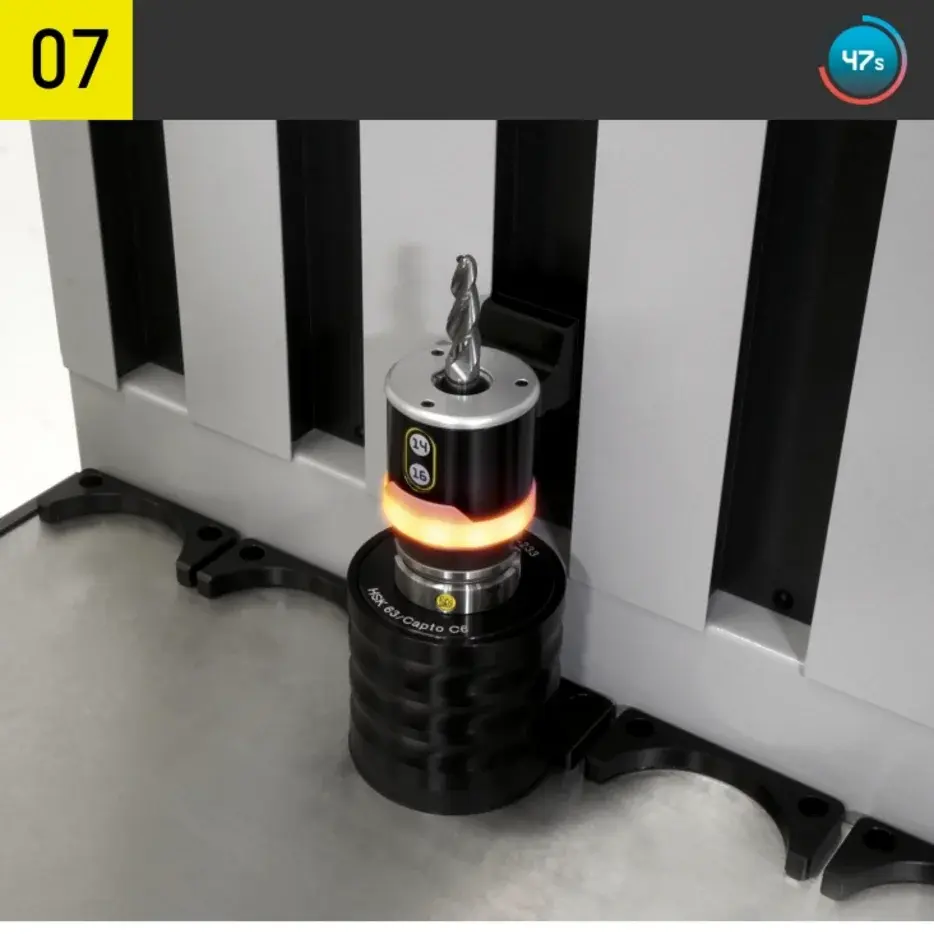
The cooling process starts automatically – a light shows when it has ended.
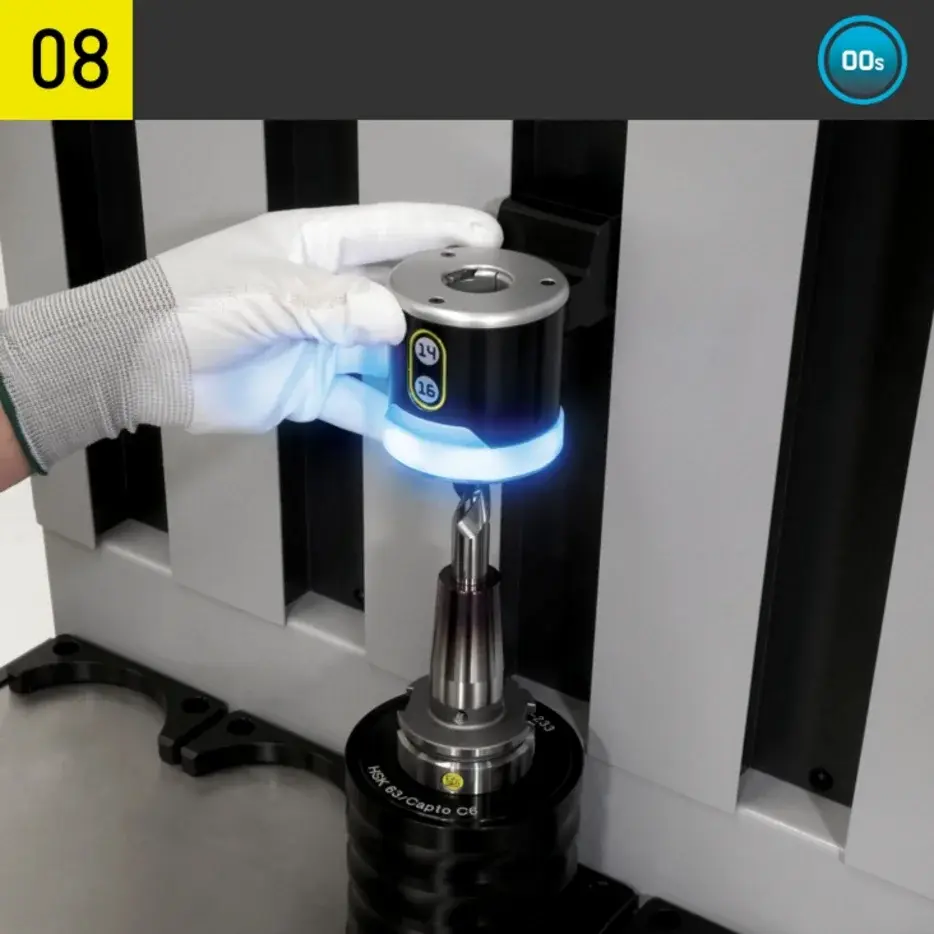
After cooling, remove the cooling bell – the tool is clamped with high concentricity.
You save time, reduce your electricity costs and extend the life of your shrink fit holders – thanks to the interplay of electronics, software and mechanics.
Consistent heating across the entire clamping range and only for as long as necessary: short heating and cooling times, short cycles, less wear on the holders.
Move your pointer across it.compared to the previous model.
for small diameters, 5–7 s for large ones.
glide past one another – maximum inner diameter 45.8 mm.
Shank tolerance of the cutting tool: h6 or h5.
with cooling adapters, depending on the diameter – »zStream« conditions the entire holder in 3–5 minutes.
Using resources correctly and effectively is our motto. We leave nothing to chance; instead, we align our efforts to achieve 100% efficiency.Christian Pfau, Head of Research and Development
 01
Extracts the fumes directly inside the coil housing – the filter unit has its place in the under-table unit.
 02
Cools shrink fit holders of any contour evenly along their entire length – without cooling adapters, no risk to the cutting edges.
 03
Sets overall or projection length: pneumatic quick adjustment, fine adjustment by handwheel.
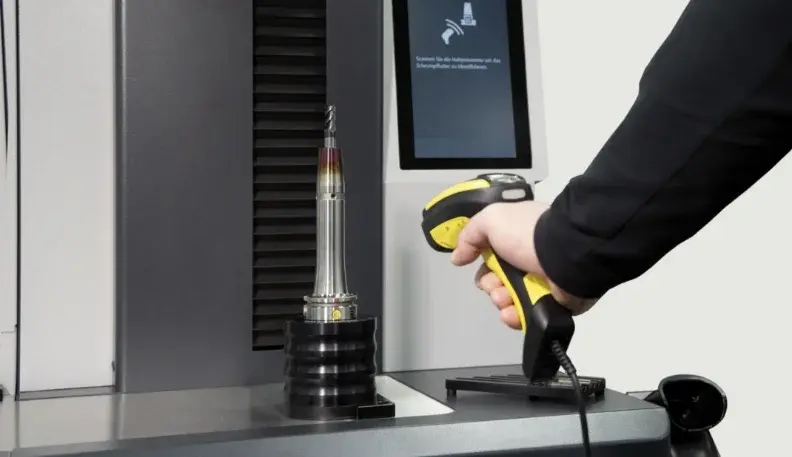 04
Scan the DataMatrix code (»idLabel«, »idChip«) – the right shrink parameters are selected and every heating cycle is counted.
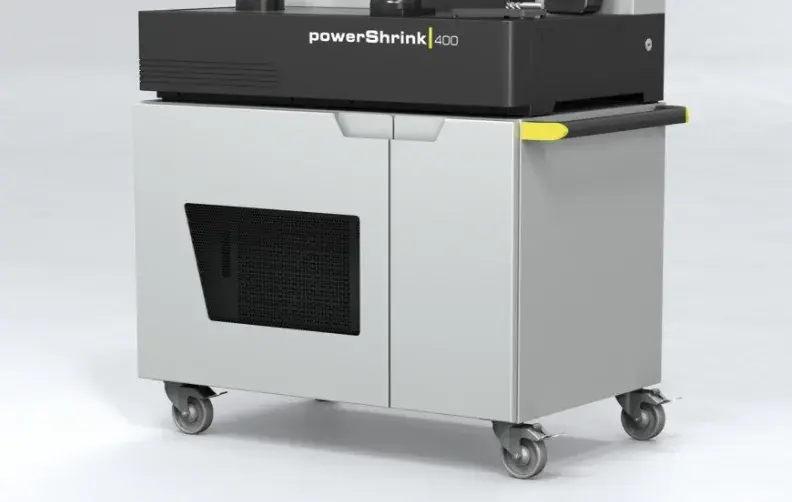 05
Ergonomic working height for »powerShrink 300 / 400« – optionally with rollers and handle.
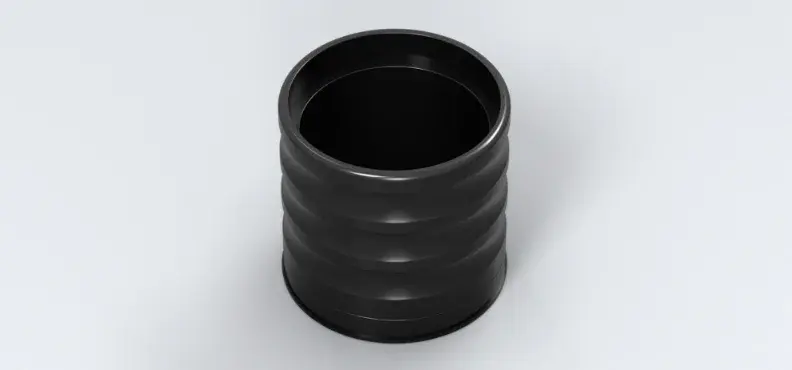 06
Standard on every machine – additional pots for parallel heating and cooling.
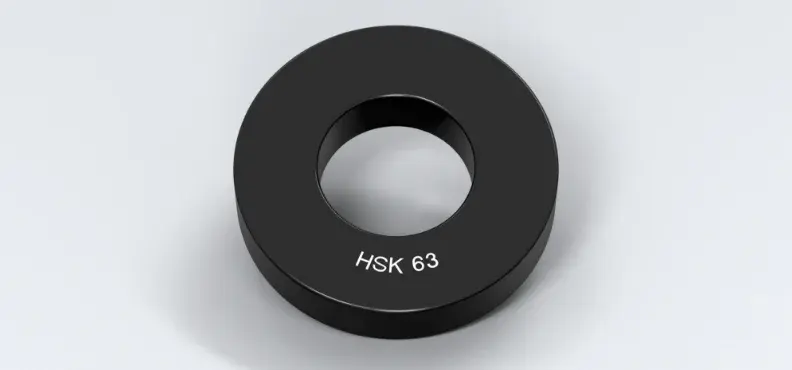 07
For all common tool holder types and sizes up to SK 50, HSK 100 and PSC 10.
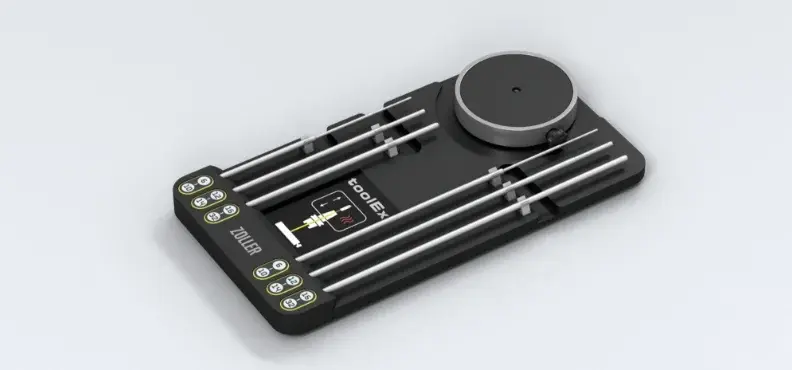 08
Removes tools that cannot be pulled out by hand, such as broken tools – holder plus six ejector rods.
 09
Sets the projection length up to 150 mm – four clamping prisms for shanks D3 to D32 mm.
From the compact start to ultimate perfection – plus the »powerShrink 400 ❘ 11« with two stations for standard tools up to 460 mm and modular tools up to 1,100 mm.
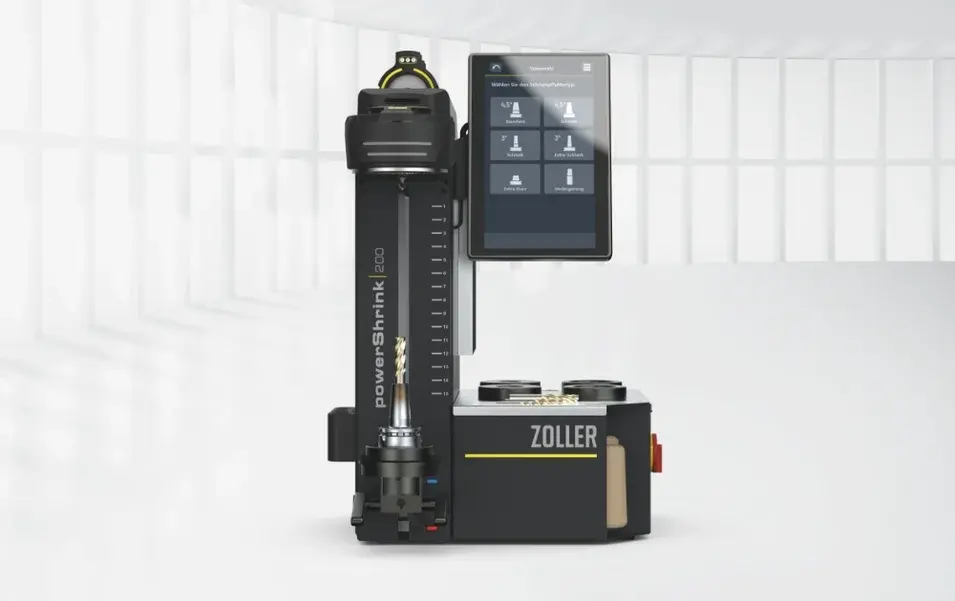 ZOLLER Basic
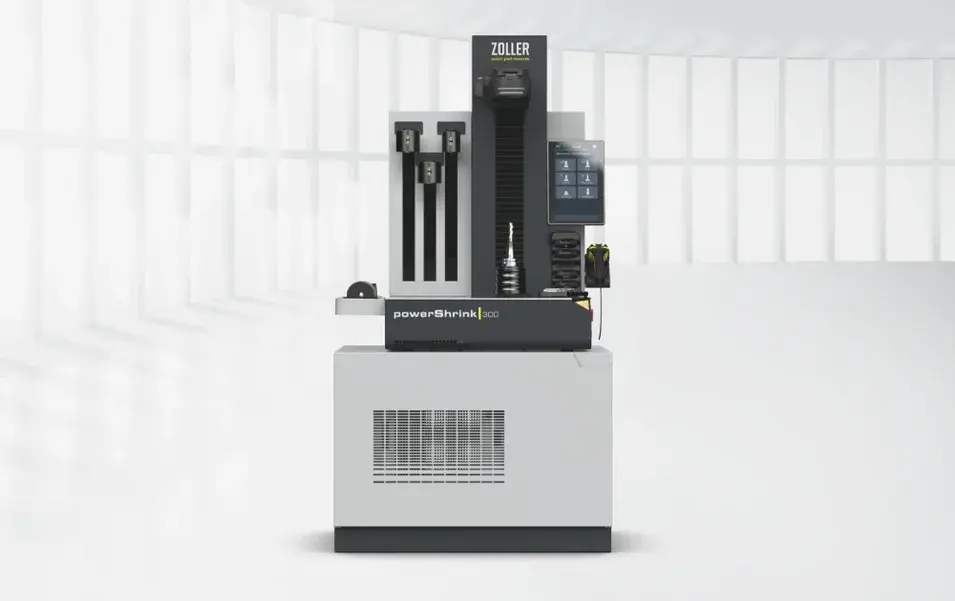 ZOLLER Advanced
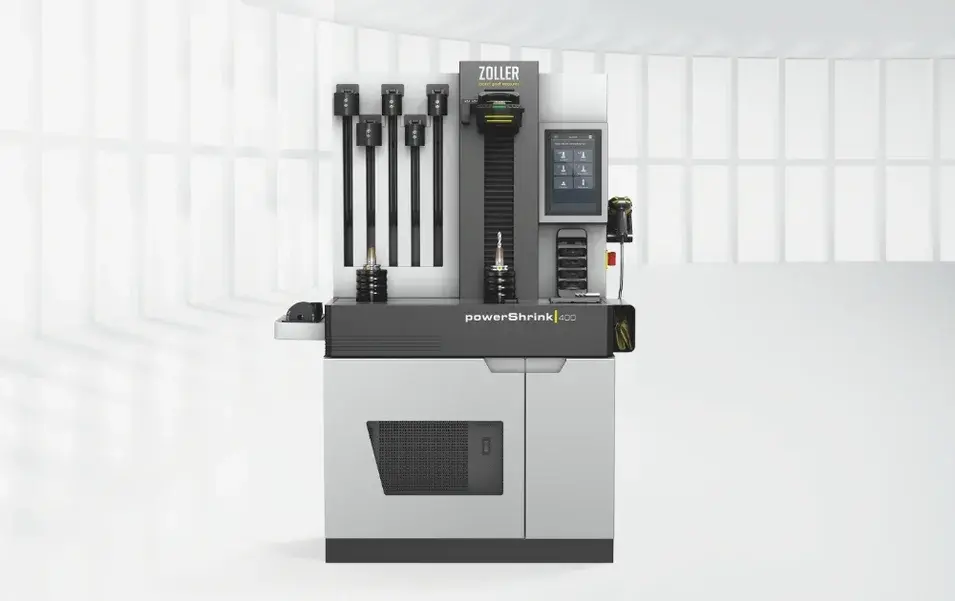 ZOLLER Premium
 ZOLLER Professional
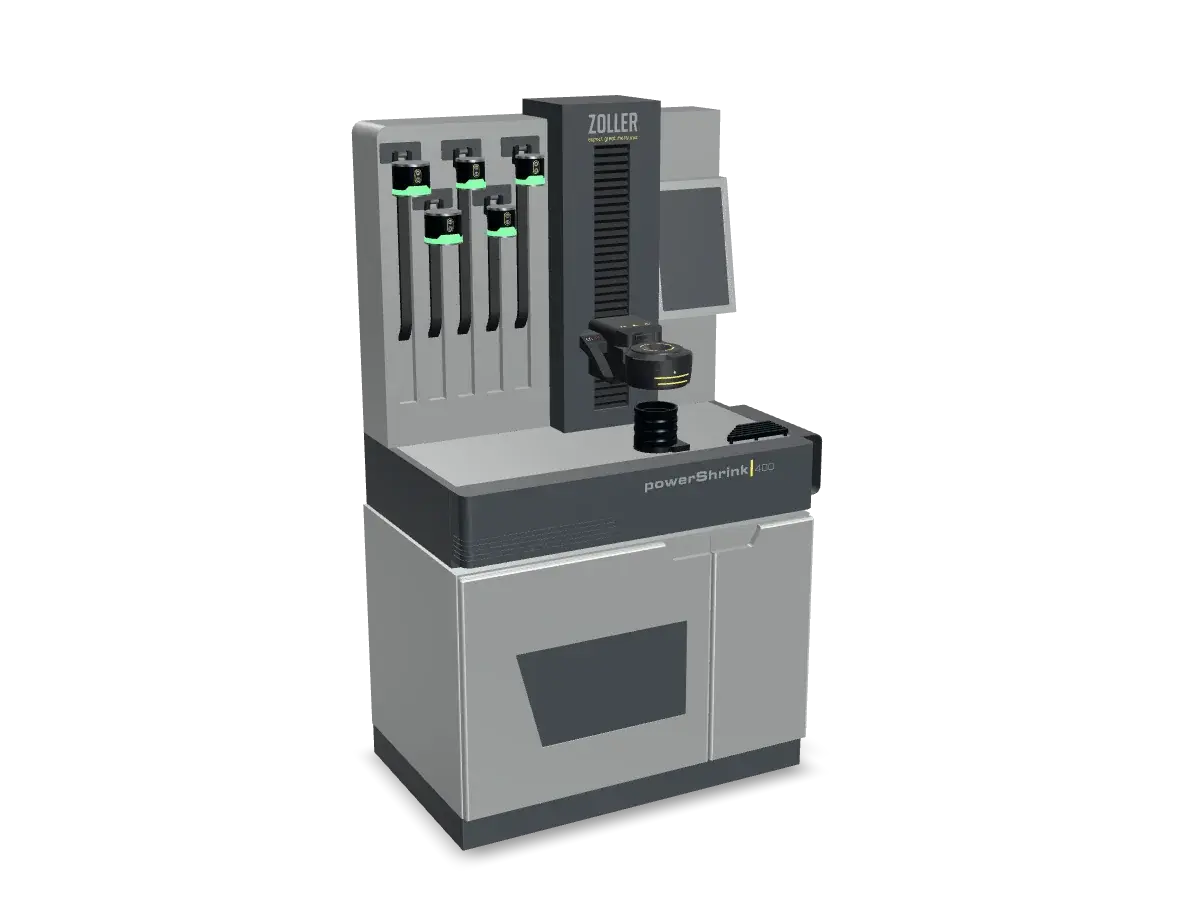
Shown: »powerShrink 400«
With augmented reality, the unit appears true to scale exactly where it will work: walk around it and check space and access before you order. On a computer, rotate and zoom the CAD model right here.
Overall dimensions of the CAD model in this configuration – may vary depending on equipment.
Scan the QR code and place the unit at full size in your room – on iPhone, iPad or an Android device with ARCore.

»powerShrink 400« – according to the technical data and the model page.
Each shrink fit holder has an inner diameter slightly smaller than the tool shank. An induction heater rapidly heats the nose of the holder so the inner diameter grows, the tool is inserted, and when the holder cools down it shrinks and holds the shank exactly in position.
This depends on the geometry, the clamping diameter and the taper – standard holders have a 4.5° taper, slim holders 3°. Depending on the type, 150 °C to 350 °C.
For small diameters 2 to 3 seconds, for large diameters 5 to 7 seconds.
With cooling adapters 60 to 120 seconds, depending on the diameter. With »zStream« air cooling, the entire holder is conditioned in 3 to 5 minutes.
Yes – via a unique holder ID, for example with ZOLLER »idChip« technology. Each heating cycle is monitored and recorded in the »pilot« software.
No. The device can be installed in a dust-free area in the machine shop.
Significant energy savings, heating with nearly 100 % efficiency, extremely fast cooling and intuitive user guidance – shrinking and unshrinking with ZOLLER redefines an established process.
Sources: zoller.info »powerShrink« with models, applications, options & accessories, technical specifications and FAQ. The 3D model shows a »powerShrink 400« with table and cooling bells; shrink fit holder and tool are examples; the screen shows the heating and cooling screens of the software from zoller.info, the »coolbyLight« colours follow ZOLLER's description (flashing green, red, flashing blue).




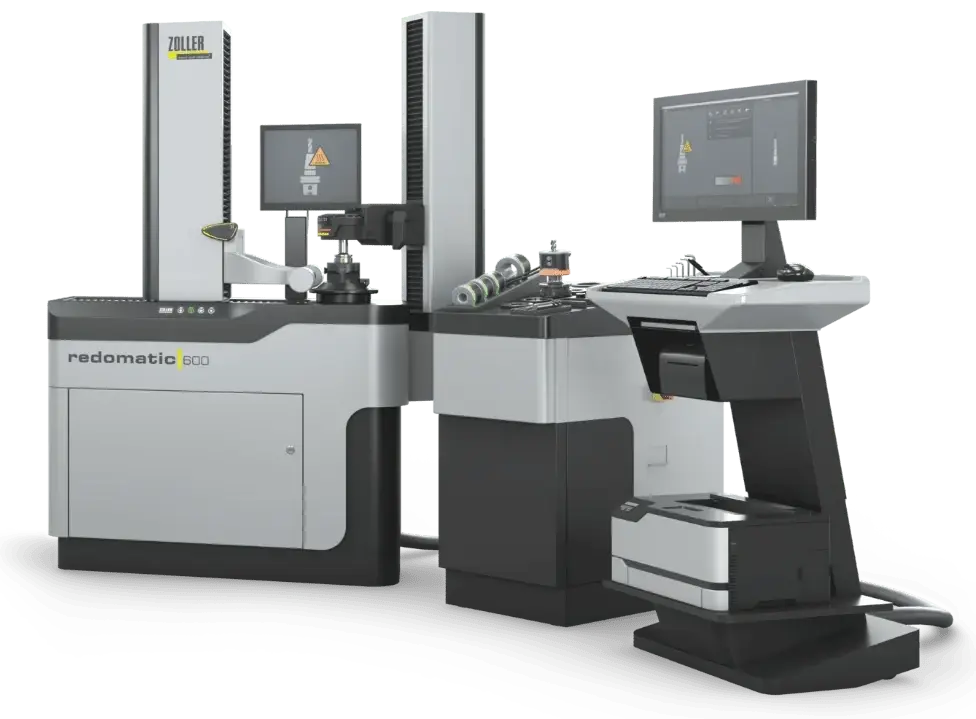 »redomatic«
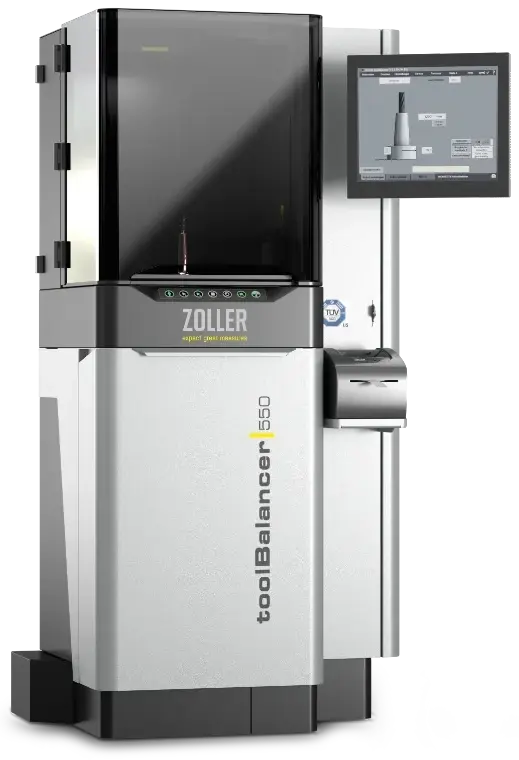 »toolBalancer«
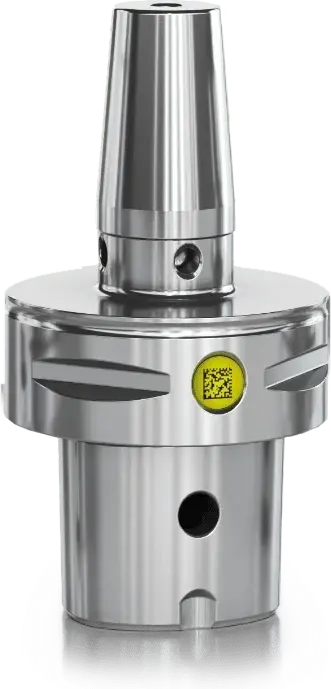 »idChip«