
Tool Management · Tool Storage

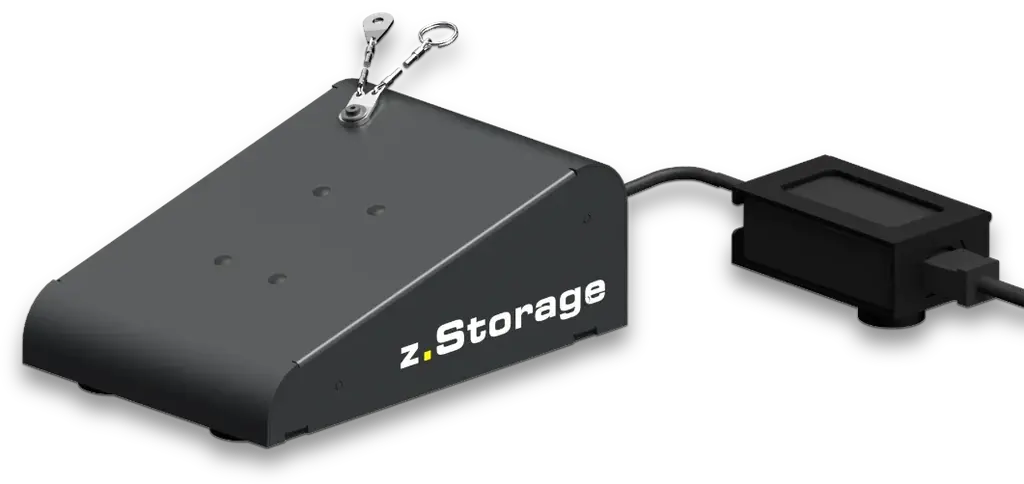
»z.Storage«

Automated Tool Dispensing

ZOLLER »z.Storage«
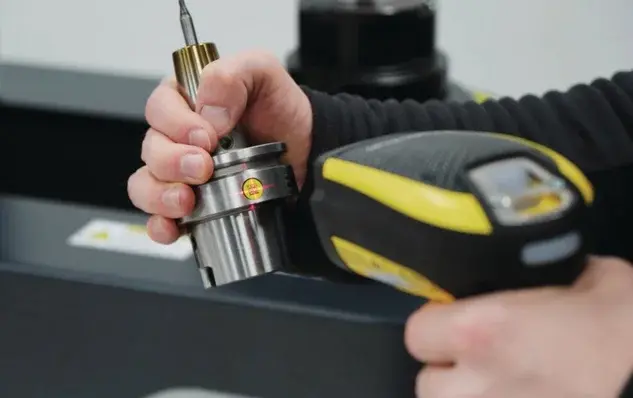
  • Scan. Select. Done. Inventory number scanned with a mobile device.
  • Booked automatically in the tool management system.
  • Output via Smart Cabinet. »z.Storage« initiates the dispensing.
  • Standard items issued without additional personnel.
  • Reports at a glance. Tool costs and usage from the transaction history.
Overview

Less cost.
Full transparency.

»z.Storage« reduces costs and increases transparency in the tool warehouse. Simply scan a tool's inventory number with a mobile device and select the required components – »z.Storage« handles the booking in the tool management system and initiates the output via a ZOLLER Smart Cabinet.

  • 1scanwith a mobile device starts the dispensing
  • 0extra stafffor issuing standard items
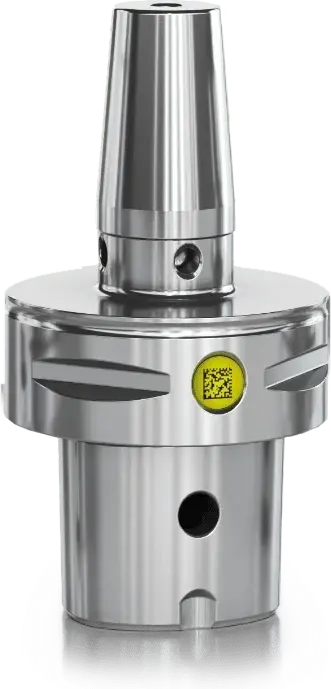
  • 3ZOLLER IDs»zidCode«, »idChip« and »idLabel«
  • 24/7transactions continuously updated
Who takes what?

»z.Storage« knows.
Every item.

  1. 1Part of the ZOLLER systemwith »zidCode«, »idChip«, »idLabel«
  2. 2Booking in TMShandled automatically
  3. 3Mobile devicescan the inventory number
  4. 4No extra personnelfor standard items
  5. 5Smart Cabinet outpute.g. a lockable compartment
  6. 6Reportstool costs and usage
Features

Features of »z.Storage«

01 · Versatile

PC or mobile device.

Check components in and out directly on the PC or via a mobile device.

02 · Intuitive

No extensive training.

The intuitive application interface allows users to navigate without extensive training – implementation is also simple.
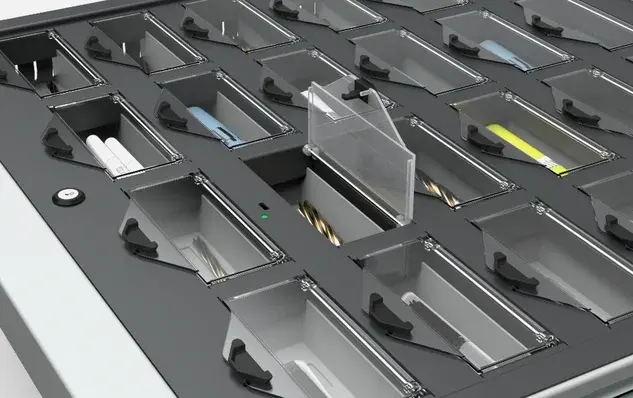
03 · Full transparency

From the right compartment.

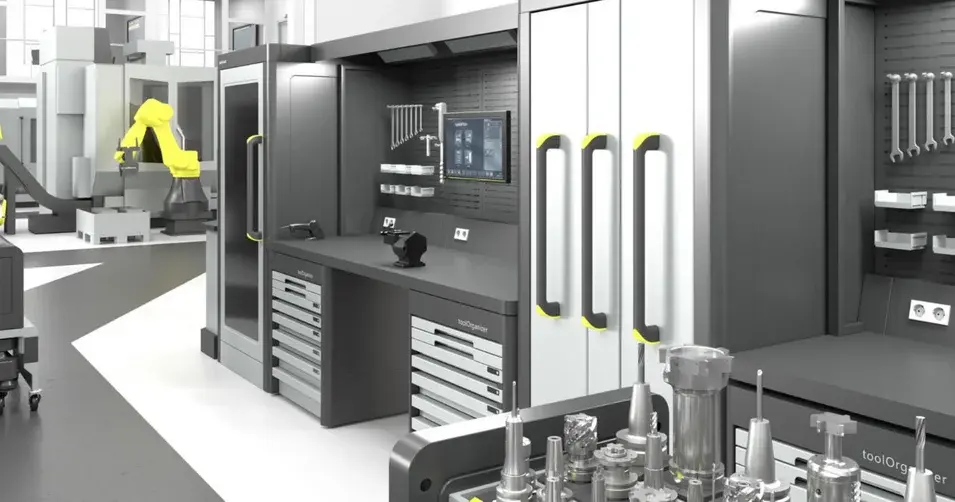
Removal of an item from a lockable compartment – using the »toolOrganizer« as an example.

04 · Reports

Costs in view.

Based on the transaction history, reports with clear overviews of tool costs and usage are simple to generate – the ZOLLER TMS Service helps distribute them.

05 · Part of the ZOLLER system

Fits what you have.

Can be combined with your »zidCode« solution as well as »idChip« and »idLabel«.

Details

Stock under control.
Without extra staff.

With »z.Storage«, you reduce costs by controlling stock and the issuance of items – standard items can be issued without additional personnel.

»z.Storage«

Removal from a lockable compartment – »toolOrganizer« as an example.

How it works
  1. 1Scan the inventory number with a mobile device
  2. 2Select the required components
  3. 3»z.Storage« books in the tool management system
  4. 4Output via a ZOLLER Smart Cabinet
Combines with
  • »zidCode«
  • »idChip«
  • »idLabel«
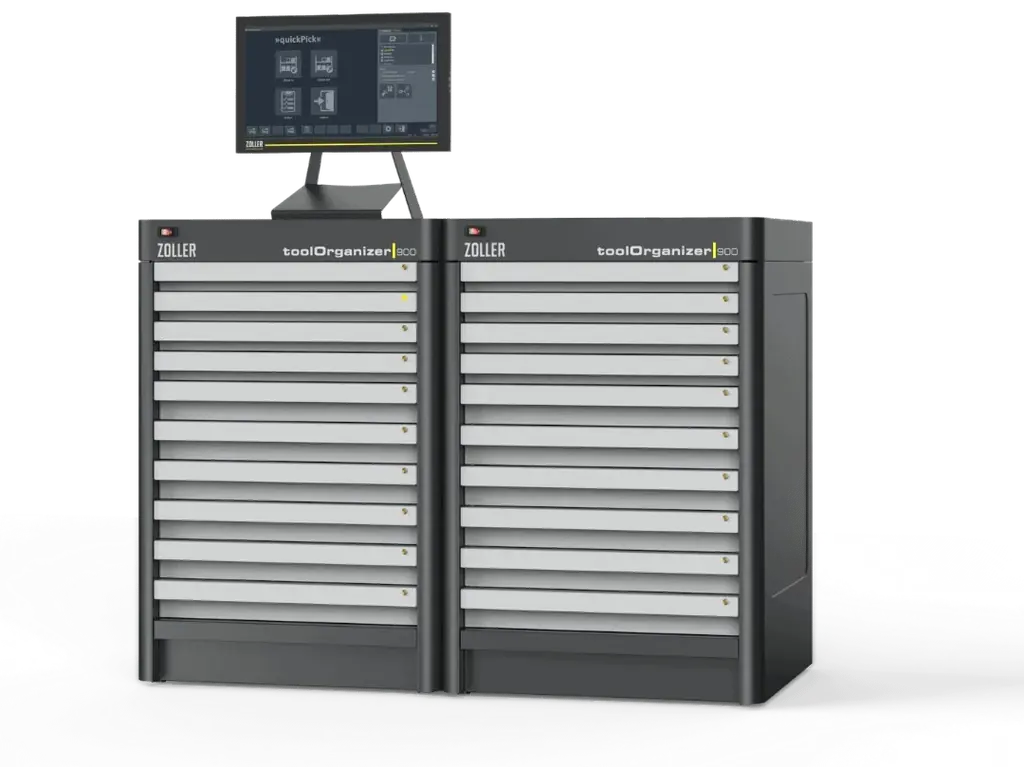
  • »toolOrganizer«

Part of the ZOLLER system.

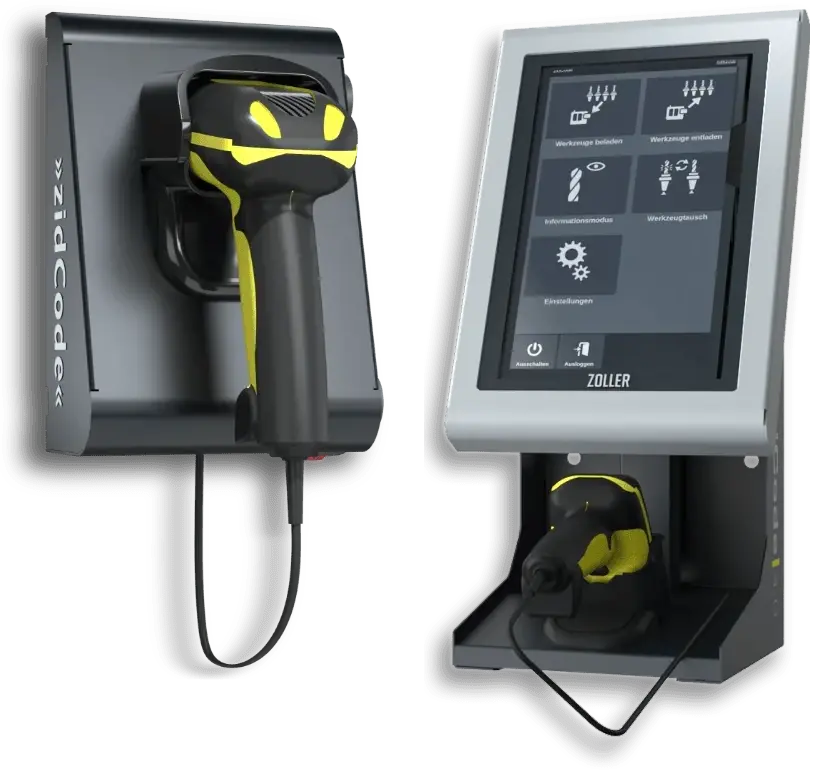
Scanning a tool for »z.Storage«
Your advantages
  • Lower costs through controlled stock
  • Full transparency in the tool warehouse
  • Standard items without additional personnel
  • Simple to implement
At a glance

Everything at a glance.

According to zoller.info »z.Storage«.

Function
automated tool dispensing via ZOLLER Smart Cabinets
Operation
PC or mobile device, scan of the inventory number
Booking
automatic in the tool management system
Reports
tool costs and usage from the transaction history – distribution via ZOLLER TMS Service
Combinable with
»zidCode«, »idChip«, »idLabel«

Source: zoller.info »z.Storage«.

Tool Management: Your Advantages

Find out how tool management from ZOLLER immediately increases your productivity. Processes run faster and more reliably with tool data—including crash protection for your machines.


Learn more
Christoph Zoller

1:1 Expert Meeting

The individual exchange about your goals and our ideas for achieving them. Online advice from ZOLLER directly from the Smart Factory. Arrange your appointment now.

Learn more

Choose country and language

Country websites