


Insert or remove small partition strips to divide each level into product rows of different widths.
Tool Management · Tool Storage
»twister«
For tool components and accessories
How the »twister« dispensesFrom the shelf
From the shelf
to your hand.
- 01RequestCall up the item in the »quickPick« control software – on the table electronics, the separate »cockpit« or a ZOLLER TMS workstation.
- 02Lift to the levelThe dispensing elevator travels to the shelf level of the item.
- 03Pushed outThe output motor in the row pushes the item forward onto the lift.
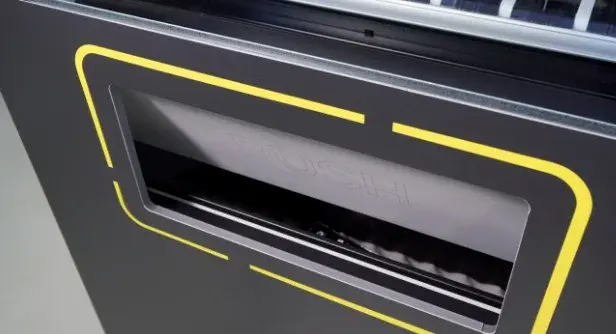
- 04Gently downThe lift carries it to the large output compartment with impact protection – so it can be removed undamaged.
- 05Take it outOpen the access flap with its padded bottom. Access monitoring ensures controlled removal.
OverviewIssued under control.
Issued under control.
Large or small.
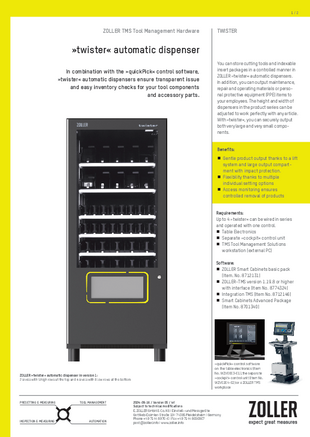
Store cutting tools and indexable insert packages in a controlled manner – and output maintenance, repair and operating materials or personal protective equipment (PPE) to your employees. With the »twister«, you can securely output both very large and very small components.
- 8levelsmax. shelf levels – version 2 (version 1: 6)
- 72rowsmax. product rows – version 2 (version 1: 42)
- 80kgmax. payload per level
- 4»twister«wired in series and operated with one control
Two standard versions6 levels.
6 levels.
Or 8.
6levels
42rows
- Version 1 6 levels · 42 rows2 levels with 5 high rows + 4 levels with 8 low rows
- Version 2 8 levels · 72 rows4 levels with 8 low rows + 4 levels with 10 low rows
Both versions are available as master and slave. Optional individual configuration solutions are also available for specialized requirements.
ConfigurationDetailsEvery row
Every row
fits its article.
The height and width of the product rows can be adjusted to work perfectly with any article – from the smallest component to a box of protective gloves.
Optional guide rails on the side walls narrow the compartment further – for the safe storage and issue of even the smallest components.
The output motors in each row can be removed individually to create even very wide compartments.
For large products such as protective gloves, the height of each row can even be individually adjusted.
Tool components and accessories – stored and issued in a controlled manner.
Max. payload per level – with a compartment depth of 550 mm.
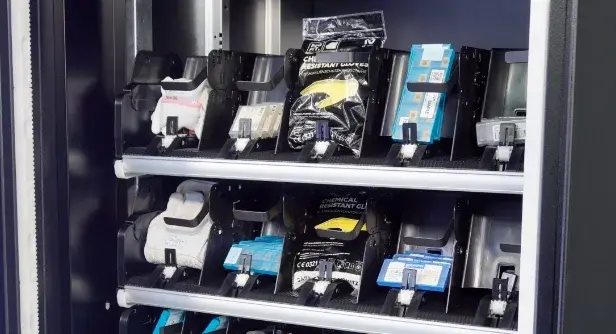
Glass pane – the whole stock in view.
Series connectionUp to four.
Up to four.
One control.
Up to 4 »twister« can be wired in series and operated with one control. Both versions are available as master and slave.
Software & IntegrationEvery booking.
Every booking.
Just a few clicks.
In combination with the »quickPick« control software, »twister« automatic dispensers ensure transparent issue and easy inventory checks for your tool components and accessory parts.
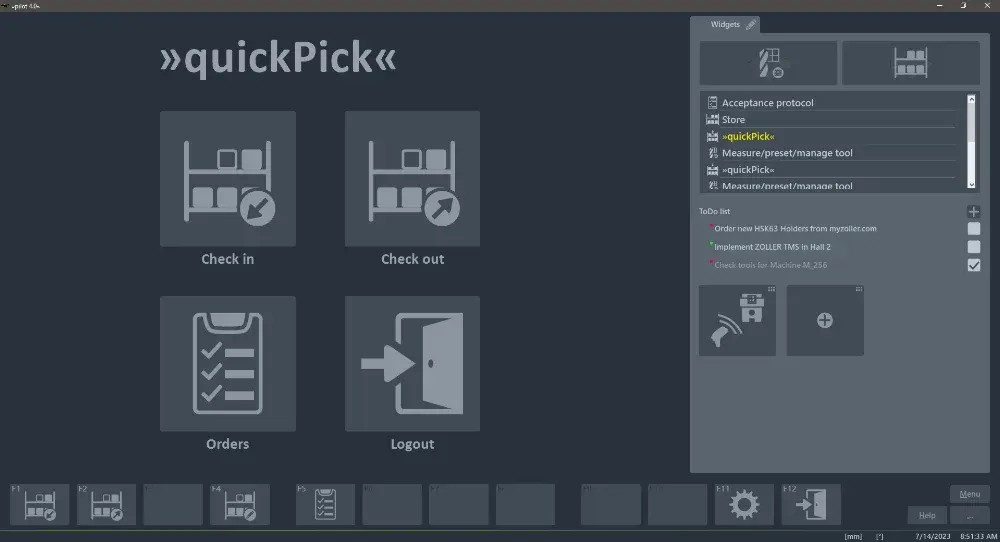
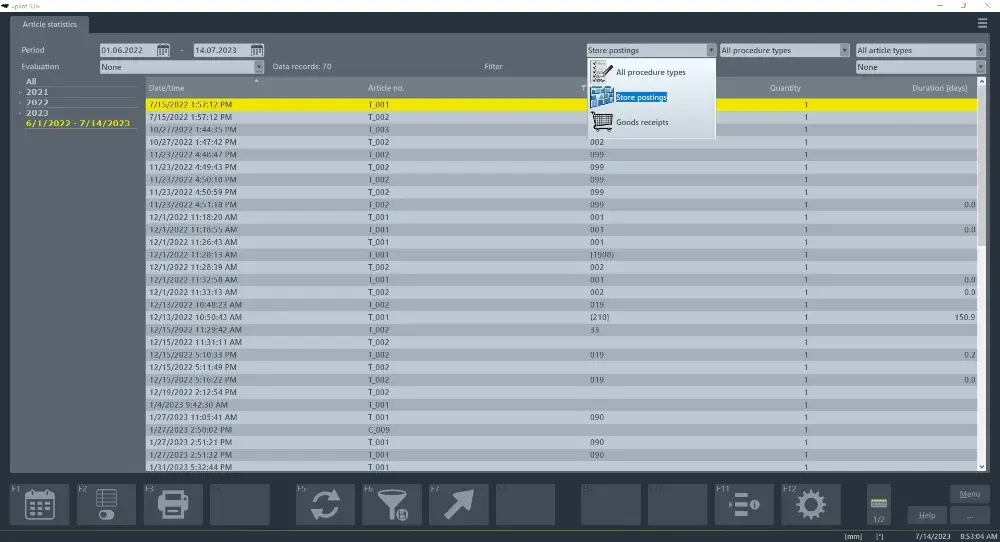
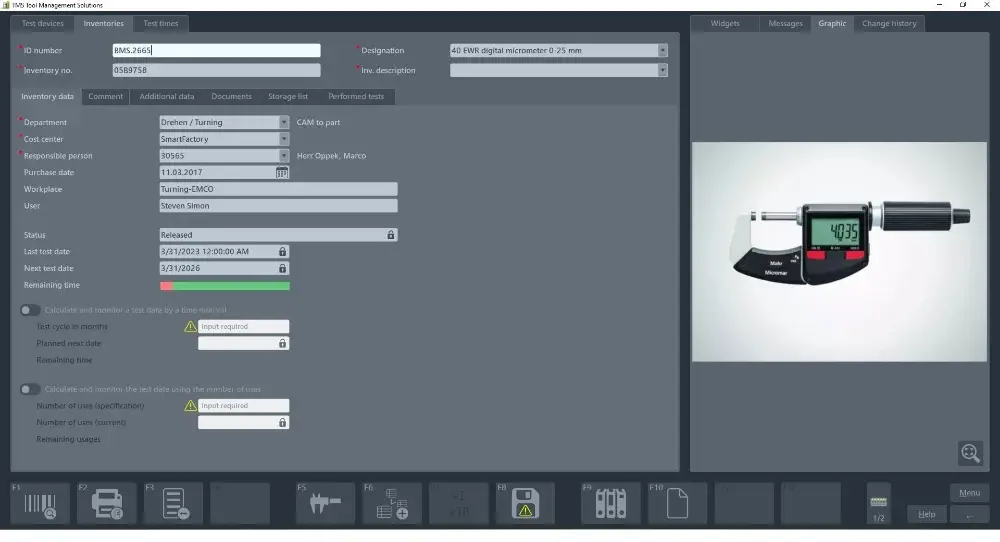
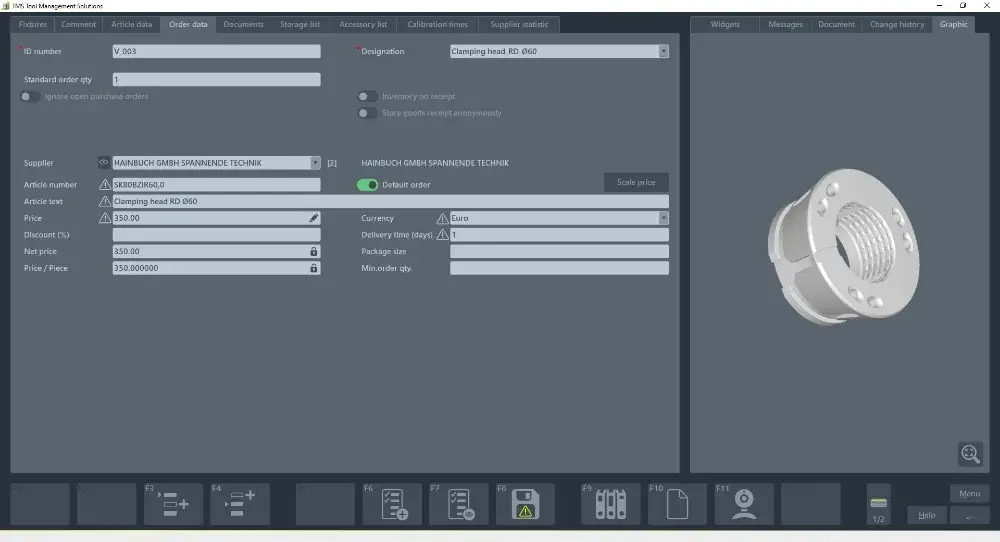
»z.Storage«With the intuitive »z.Storage« storage solution, you can book out and put your items into storage from the »twister« using a self-service kiosk-style process. Since »z.Storage« is browser-based software, it can be used on any device with a web browser.
- ≈ 10×ZOLLER customers run stock movements around ten times faster when they combine their Smart Cabinets with the ZOLLER TMS Tool Management Solutions software.
- 2.5 yearsThe cost advantage is so enormous that the investment often pays for itself after just two and a half years.
Source: brochure »Tool Storage with Smart Cabinets«.
Software & IntegrationTechnical data
Everything at a glance.
According to the »twister« automatic dispenser flyer (version 05, 09/2024).
- Dimensions (H × W × D)
- 1,930 × 803 × 990 mm (height with adjustable feet)
- Empty weight
- 325 kg
- Compartment depth
- 550 mm
- Version 1
- 6 levels: 2 levels with 5 high rows + 4 levels with 8 low rows = 42 rows
- Version 2
- 8 levels: 4 levels with 8 low rows + 4 levels with 10 low rows = 72 rows
- Payload
- max. 80 kg per level
- View window
- glass pane 1,169 × 714 mm
- Power supply
- 230 V / 50 Hz
- Power consumption
- 370 W
- Series connection
- up to 4 »twister« with one control · both versions available as master and slave
- Control
- table electronics (item no. WZV0003-01), separate »cockpit« control unit (item no. WZV0204-02) or TMS Tool Management Solutions workstation (external PC) – each with »quickPick« control software
- Software
- ZOLLER Smart Cabinets basic pack (item no. 8712131) · ZOLLER TMS version 1.19.8 or higher with interface (item no. 8774324) · Integration TMS (item no. 8712146) · Smart Cabinets Advanced Package (item no. 8701340)
FAQ
Frequently asked questions.
Can the Smart Cabinets also be controlled via the network?
Yes, these can also be controlled over the network.
Which ZOLLER TMS Tool Management Solutions software do I need to control the Smart Cabinets?
ZOLLER TMS Tool Management is not necessary to use the Smart Cabinets. You can start quickly and simply with a basic package for the Smart Cabinets and conveniently add additional modules or packages (BRONZE, SILVER, or GOLD) later.

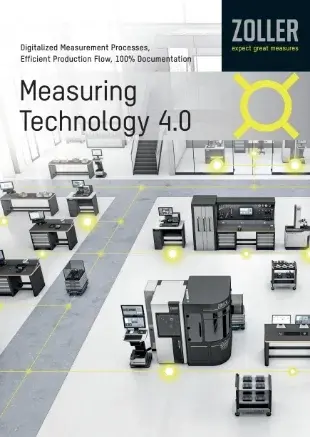
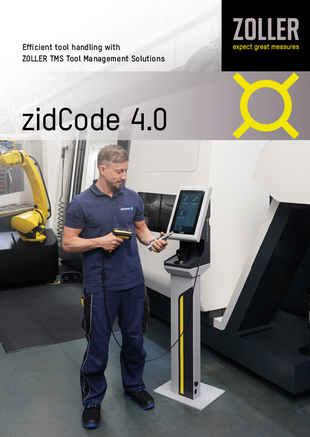
Your »twister«Let's plan
Let's plan
your dispenser.
With ZOLLER Smart Cabinets, you're in charge: make your preselection and get in touch with the ZOLLER sales team – we'll be happy to advise you and configure the model of your choice.
Goes well with
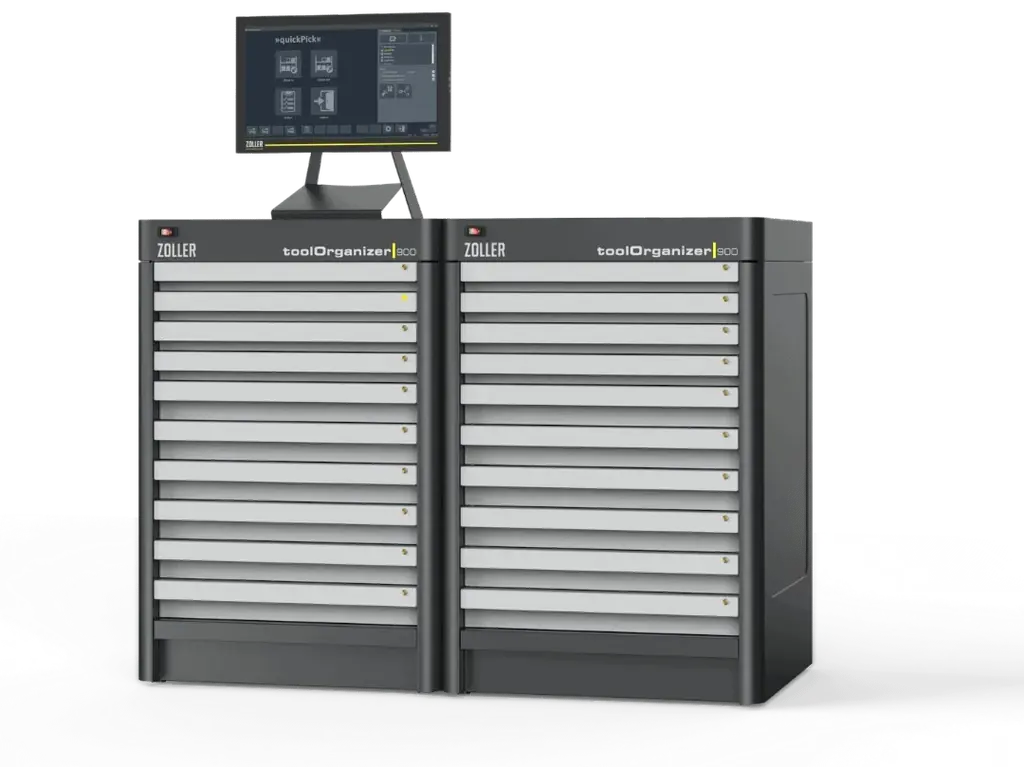 »toolOrganizer«
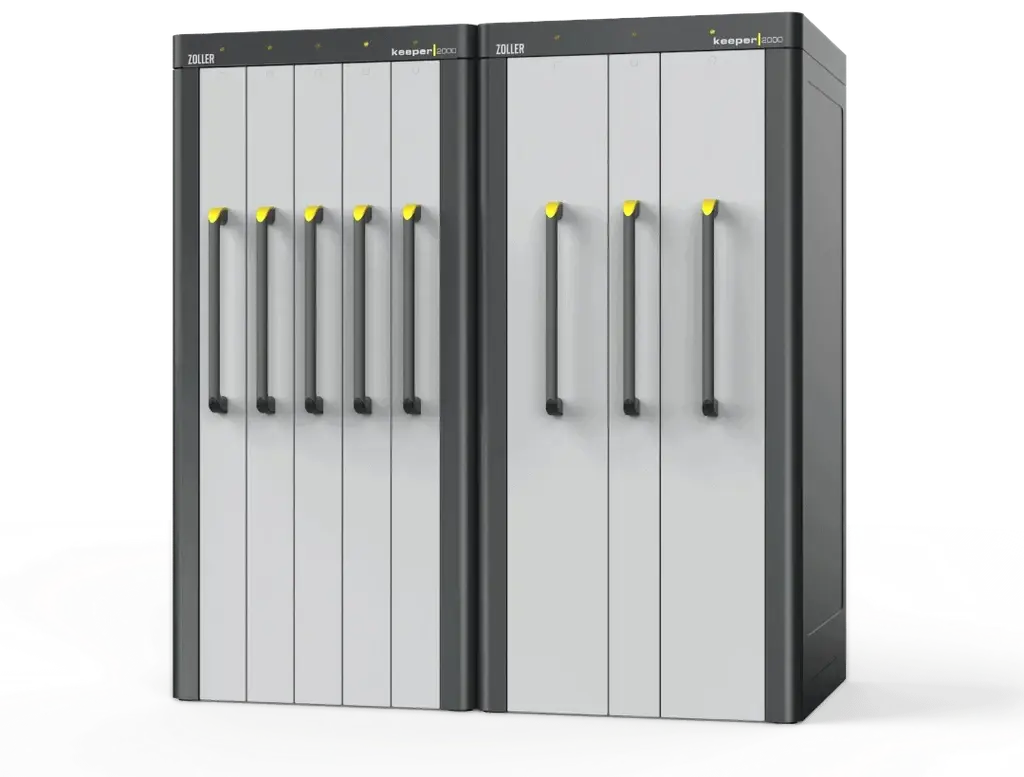 »keeper«
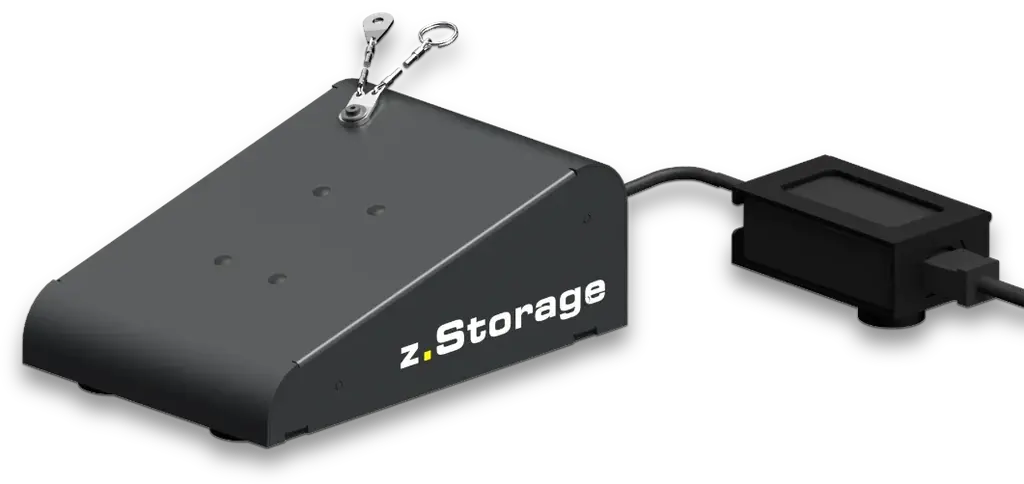 »z.Storage«
Sources: zoller.info »twister« · flyer »twister« automatic dispenser, version 05 (09/2024) · brochure »Tool Storage with Smart Cabinets«. The 3D model shows the »twister« housing from the original CAD; shelf levels, rows, output motors and lift are reconstructed from the flyer for illustration, the items in the rows are examples.
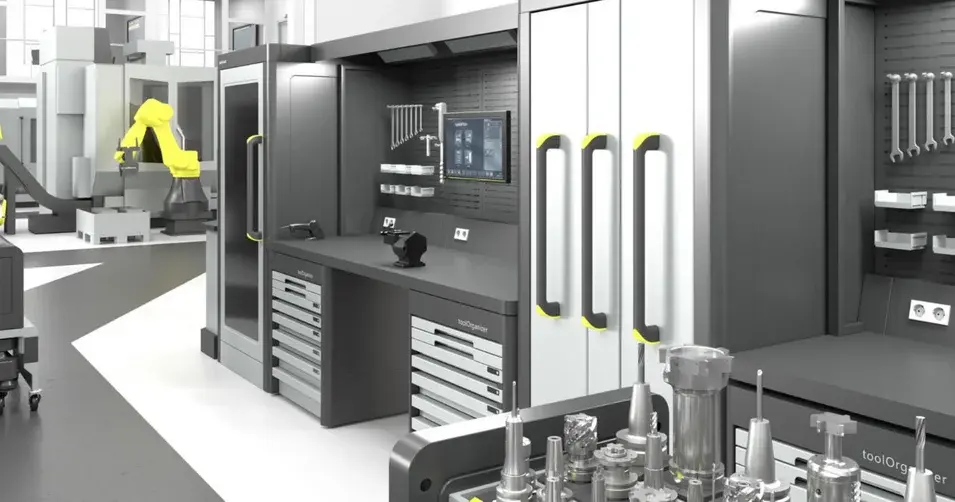
Tool Management: Your Advantages
Find out how tool management from ZOLLER immediately increases your productivity. Processes run faster and more reliably with tool data—including crash protection for your machines.
Learn more
1:1 Expert Meeting
The individual exchange about your goals and our ideas for achieving them. Online advice from ZOLLER directly from the Smart Factory. Arrange your appointment now.
Learn more