



Right to the back.
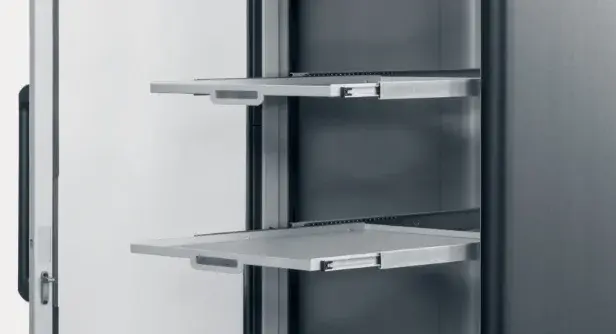
4 to 9 drawers keep your items clearly organized – fully extendable, so even items stored all the way in the back are easy to reach.
For inspection tools, operating materials and larger components
4 to 9 drawers – fully extendable, right to the back.
80 kg per drawer – and per level.
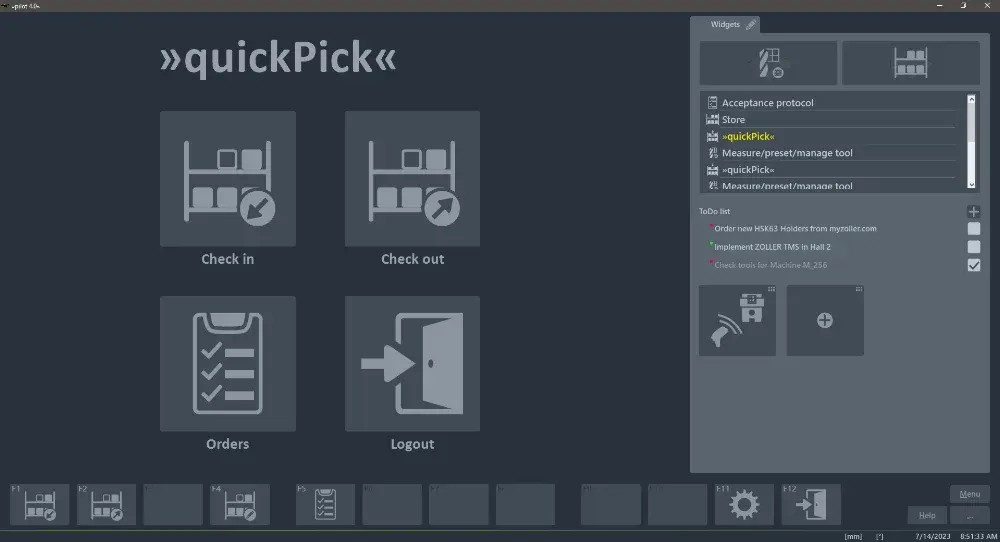
Unlocks automatically. As soon as the software releases it.
Around ten times faster stock movements with TMS software.
Pays off often after just two and a half years.
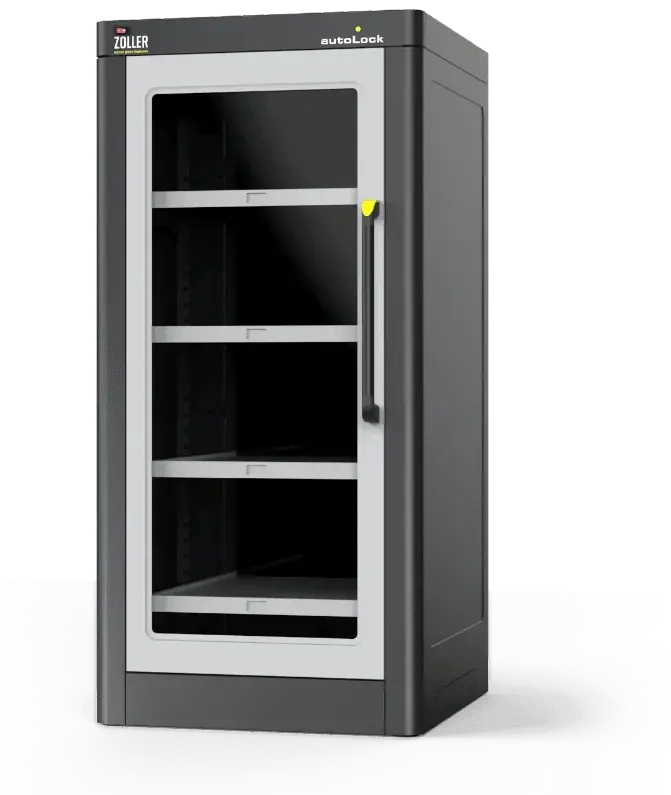
Keep inspection tools, operating materials and larger components clearly organized – and under control: »autoLock« opens only after release in the software, every removal is booked.
4 to 9 drawers keep your items clearly organized – fully extendable, so even items stored all the way in the back are easy to reach.
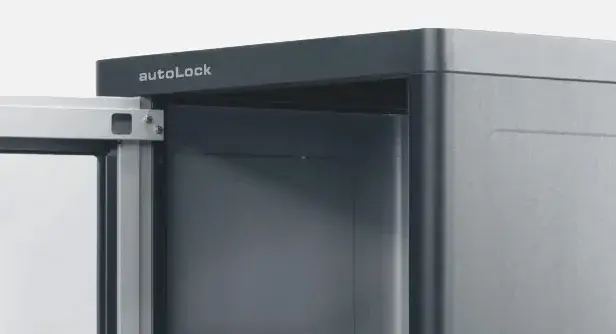
The doors unlock automatically after activation in the software – mechanical or electronic version.
The storage module for components, complete tools, fixtures and accessories – the integrated 3D layout shows where every item is.
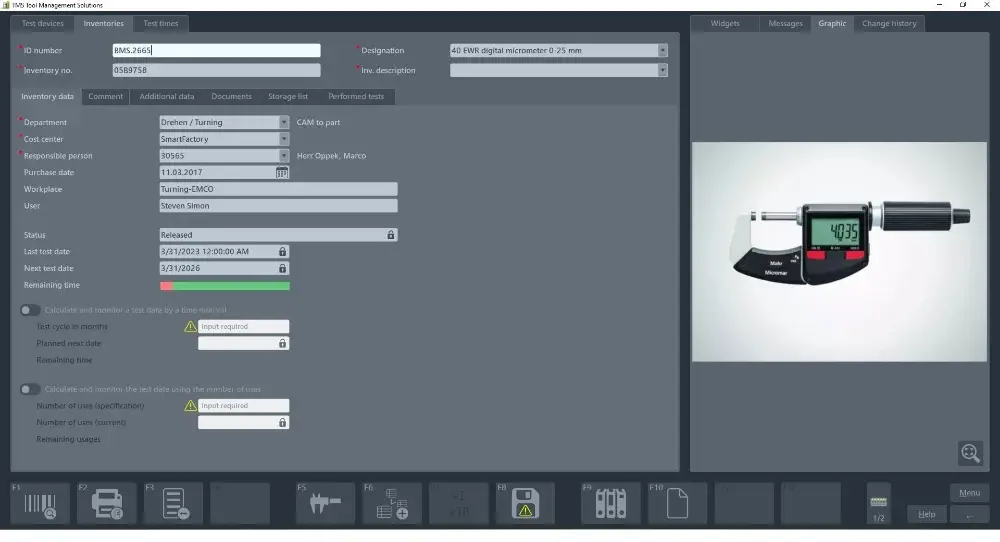
Inspection tool management monitors calibration intervals by time or usage, with test plans and linked documents – for ISO 9001 and other standards.
2,000 × 1,000 × 1,050 mm, max. 80 kg per drawer and per level – controlled by side-mounted panel PC, »cockpit«, TMS workstation or ZOLLER presetter.
Every detail is optimized for long use: solid construction, robust design, high-quality coating, convincing wall thicknesses and sturdy locking.
Solid construction and robust design – easy access to the electronics and clean cable routing.
Move your pointer across it.per drawer – and per level.
for Smart Cabinets combined with TMS software – from many projects.
choose the version that suits your store.
Buy your Smart Cabinets – without subscription model or usage restrictions by a supplier.
All storage locations are clearly represented in the TMS Tool Management Solutions software – controlled removal and inventory tracking become simpler than ever.
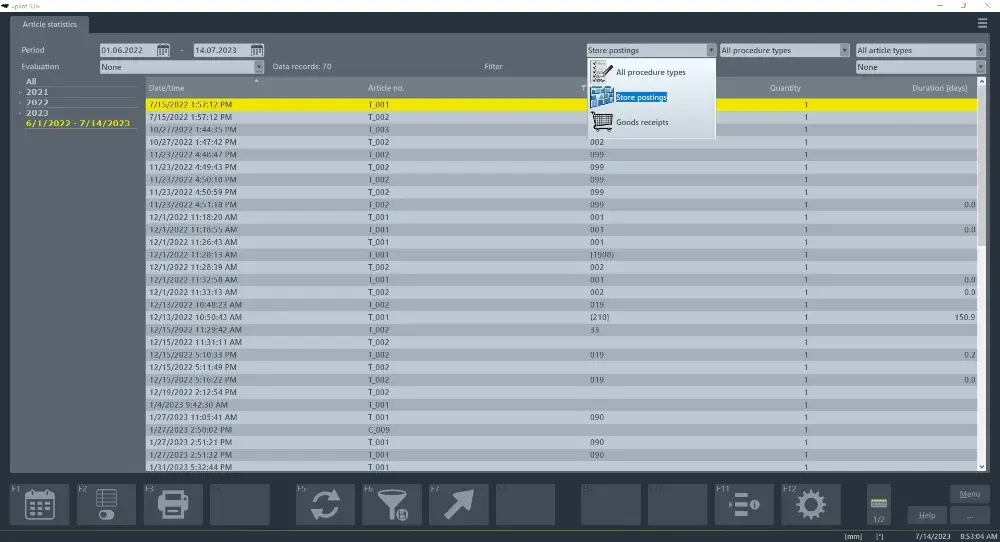
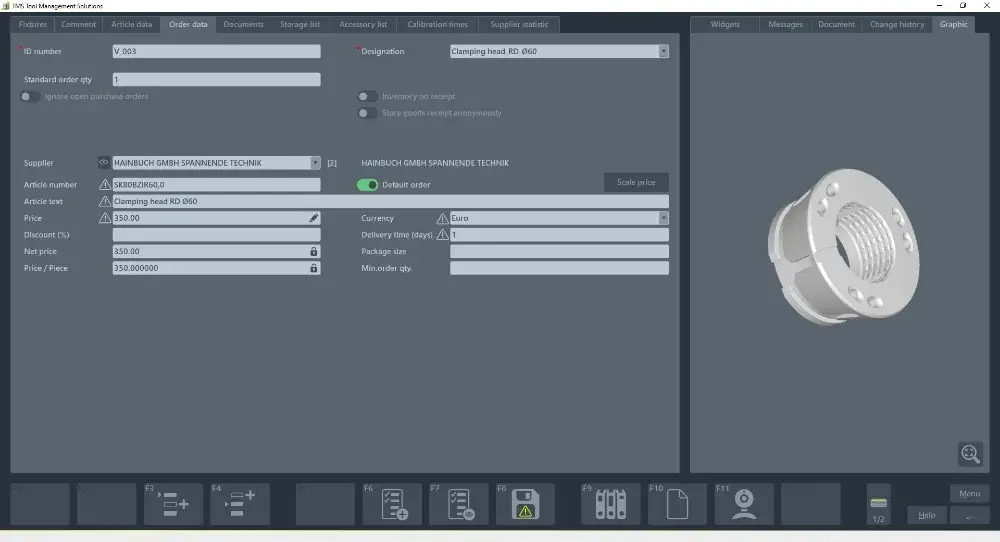
Without TMSTMS is not required to use the Smart Cabinets – start with a simple package and add BRONZE, SILVER or GOLD later. Control over the network is possible.
According to the »autoLock« configuration.
Yes, they can also be controlled over the network.
ZOLLER TMS Tool Management Solutions is not required. You can start quickly and easily with a simple package for the Smart Cabinets and add modules or packages (BRONZE, SILVER or GOLD) later.
With ZOLLER Smart Cabinets you're in charge: make your preselection and get in touch with our sales team – we'll be happy to advise you and configure the model of your choice.
Sources: zoller.info »autoLock« with configuration, software & integration and FAQ · flyer »Tool Storage with Smart Cabinets« FLSMACA.00-EN (06/2023). The 3D model shows an »autoLock« with 4 drawers and separate »cockpit«; the glass pane, the stored items and the screen contents are examples.
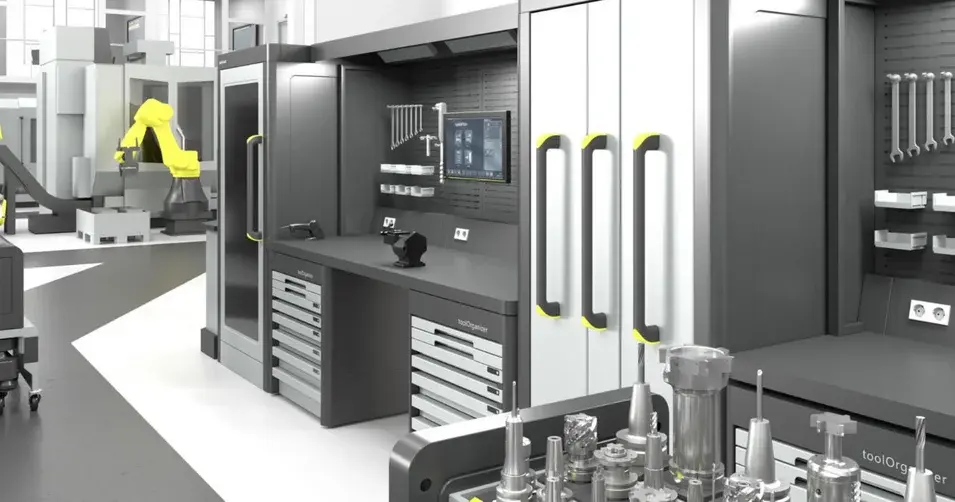
Find out how tool management from ZOLLER immediately increases your productivity. Processes run faster and more reliably with tool data—including crash protection for your machines.
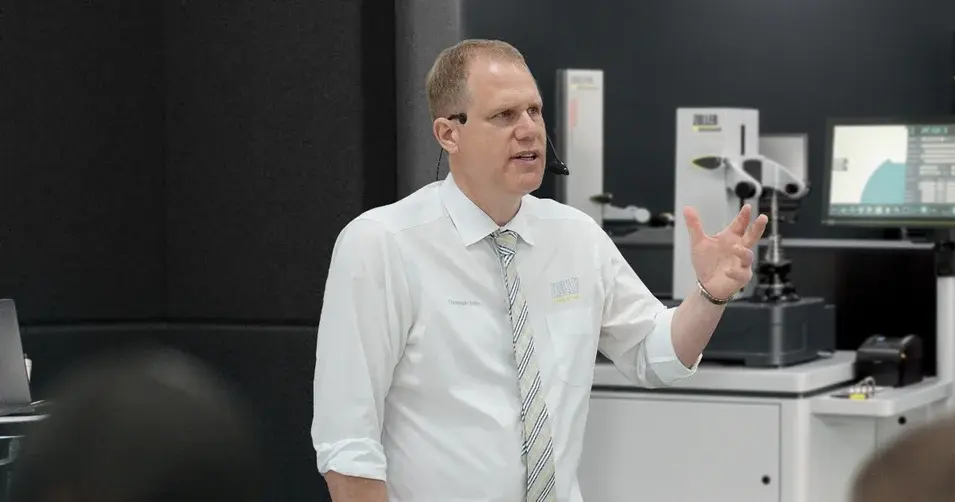
The individual exchange about your goals and our ideas for achieving them. Online advice from ZOLLER directly from the Smart Factory. Arrange your appointment now.
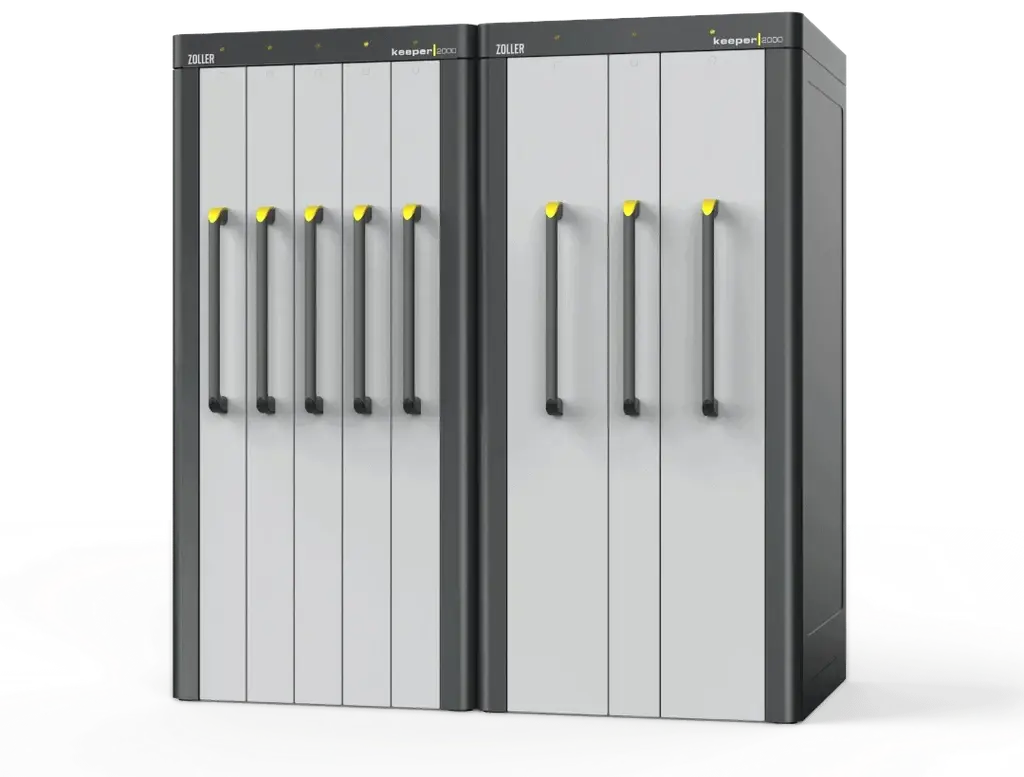 »keeper«
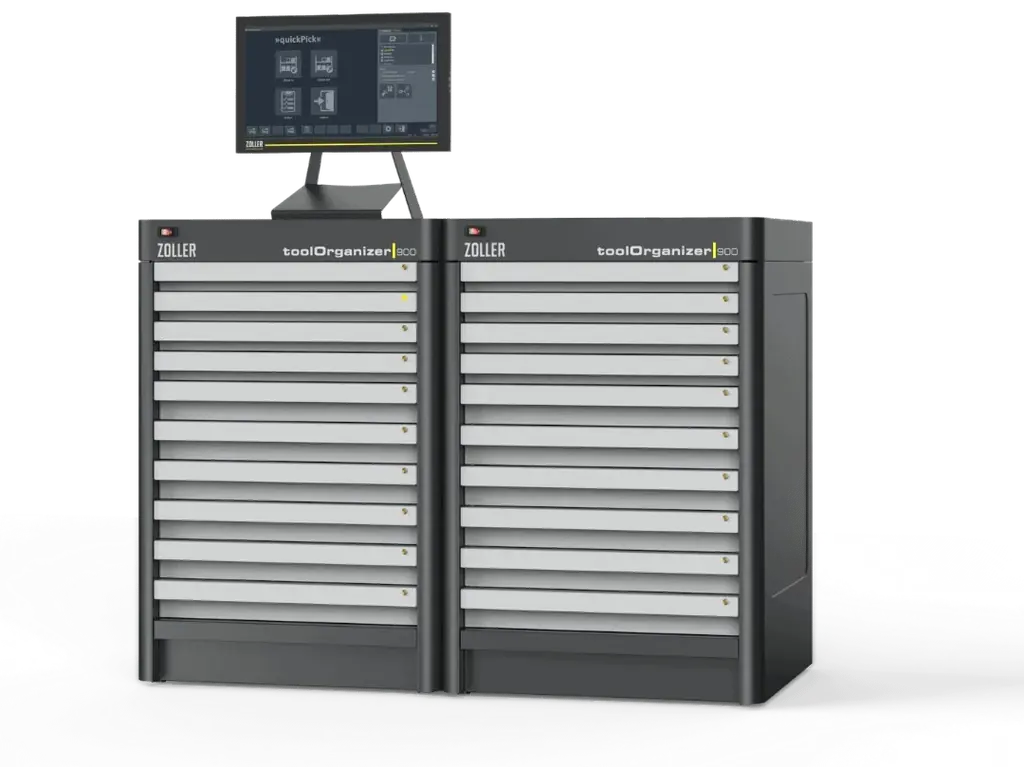 »toolOrganizer«
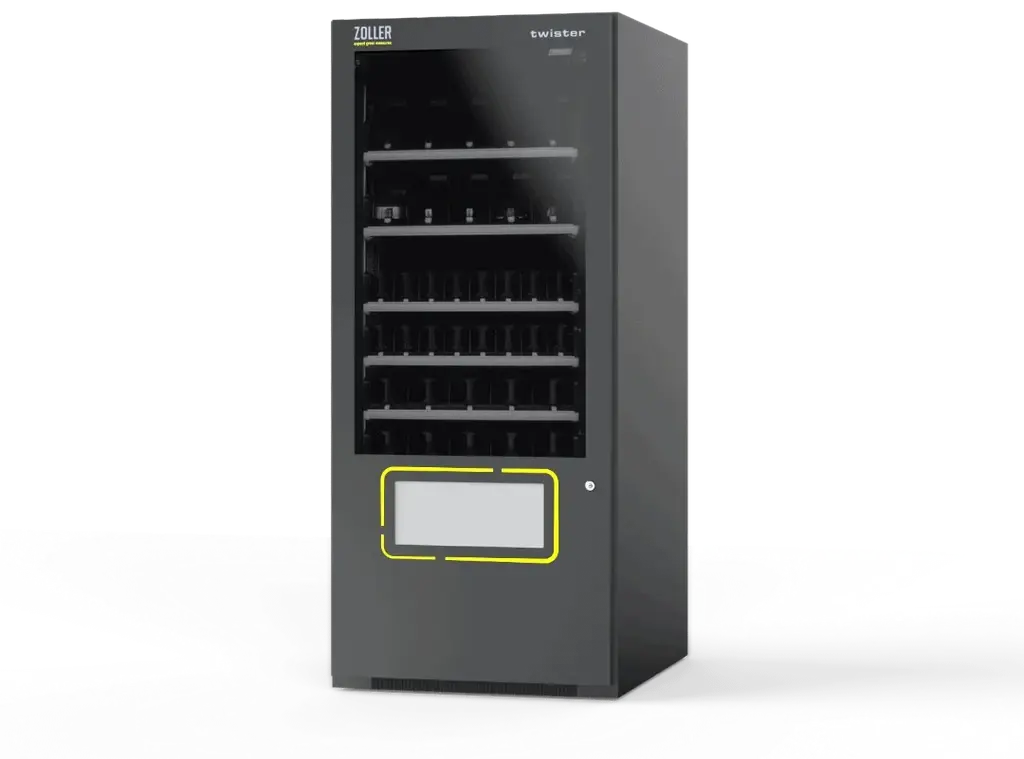 »twister«