



Everything in view.
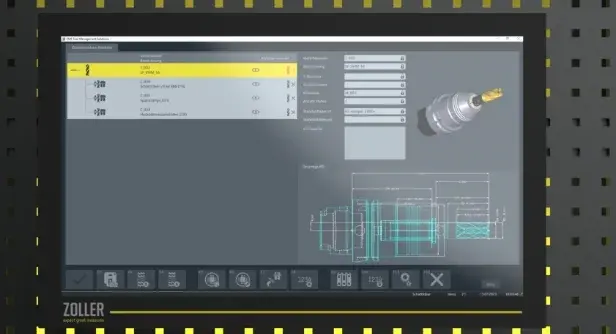
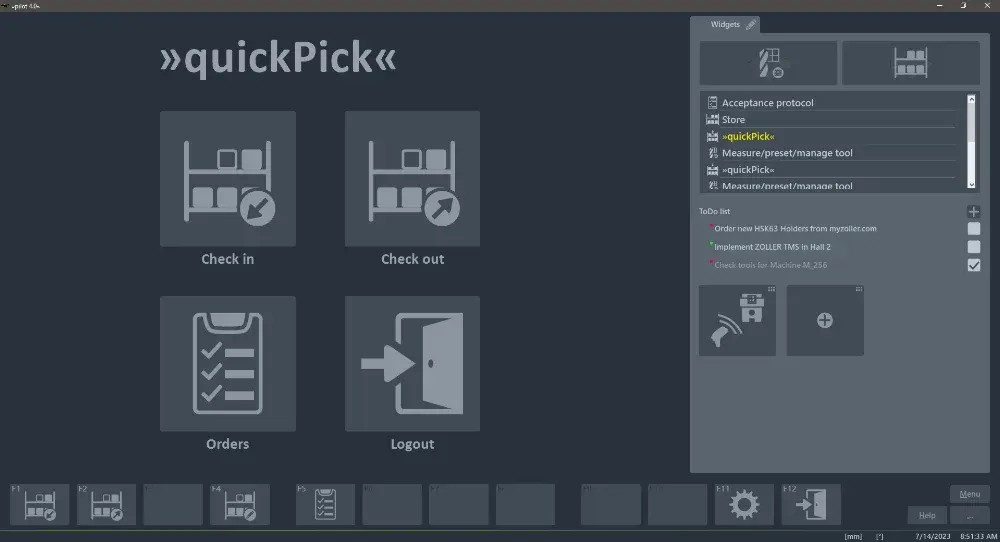
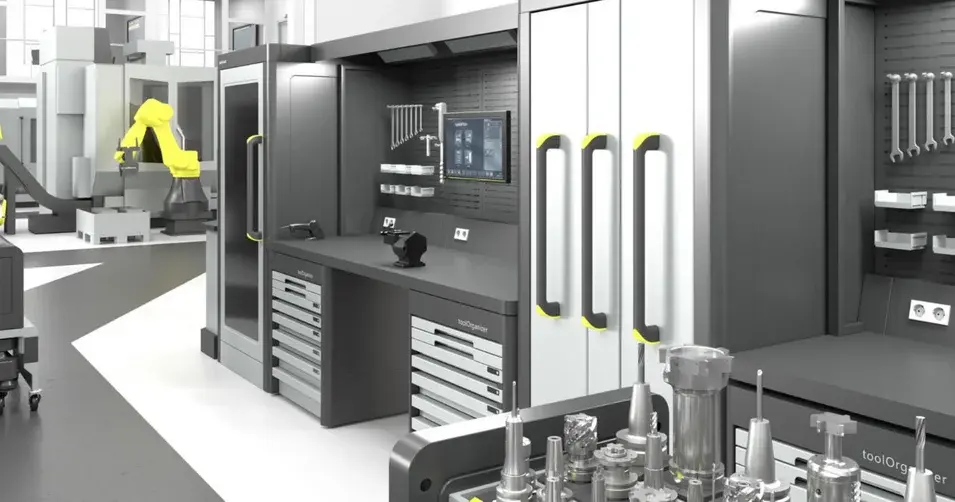
24-inch TFT color monitor with touch operation and an optional connection to TMS Tool Management Solutions – so you keep track of everything, such as your parts lists.
For Optimal Tool Assembly
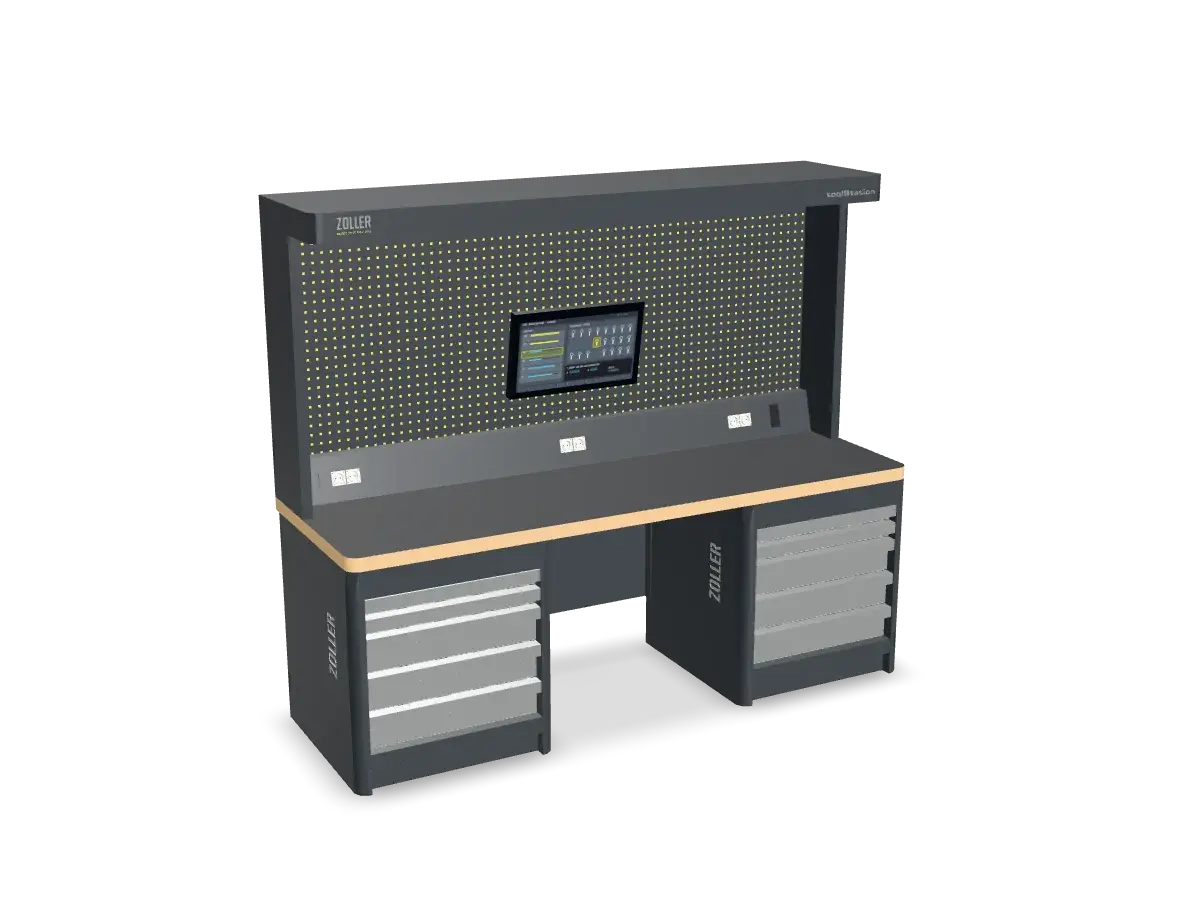
2,450 mm of workbench – with two »toolOrganizer«.
Ergonomic. Better work quality, fewer health risks during tool assembly.
Always to hand. Components and accessories right where you assemble.
Storage location at a glance. In the software and via LEDs directly on the cabinet.
Sockets and network in the cable channel ledge on the worktop.
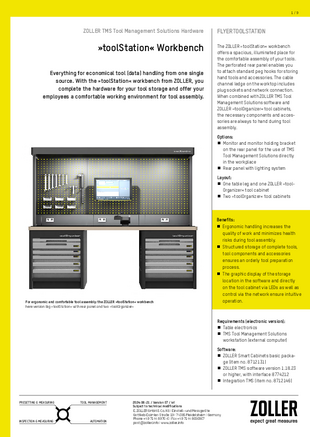
With the »toolStation« workbench from ZOLLER, you complete the hardware for your tool storage and offer your employees a comfortable working environment for tool assembly.
24-inch TFT color monitor with touch operation and an optional connection to TMS Tool Management Solutions – so you keep track of everything, such as your parts lists.
The storage location is shown graphically in the software and directly on the tool cabinet via LEDs – intuitive operation, also controlled via the network.
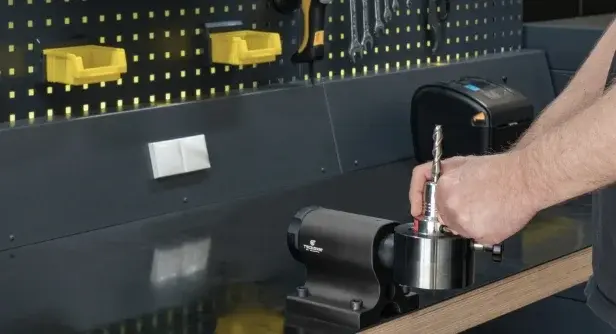
For horizontal or vertical tool assembly – available as an optional component.
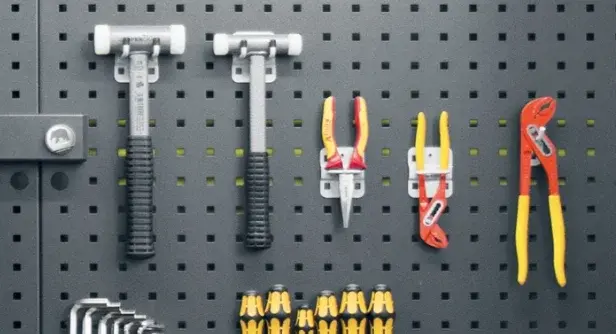
The perforated rear panel takes standard peg hooks for hand tools, containers and accessories.
A spacious, illuminated place for the comfortable assembly of your tools – with one or two »toolOrganizer« tool cabinets.
Structured storage of complete tools, tool components and accessories ensures an orderly tool preparation process.
With ZOLLER TMS software and »toolOrganizer« tool cabinets, components and accessories are always to hand during assembly.
Move your pointer across it.Every drawer of the »toolOrganizer«.
Maximum per cabinet in the electronic version.
Drawers are always installed from smaller (top) to larger (bottom).
Opens electronically only for the selected compartment – removals become traceable.
Smart Cabinets without subscription model, minimum sales or usage restrictions.
Make your preselection and contact our ZOLLER sales team – we'll be happy to advise you and configure the model of your choice.
With augmented reality, the unit appears true to scale exactly where it will work: walk around it and check space and access before you order. On a computer, rotate and zoom the CAD model right here.
Overall dimensions of the CAD model in this configuration – may vary depending on equipment.
Scan the QR code and place the unit at full size in your room – on iPhone, iPad or an Android device with ARCore.
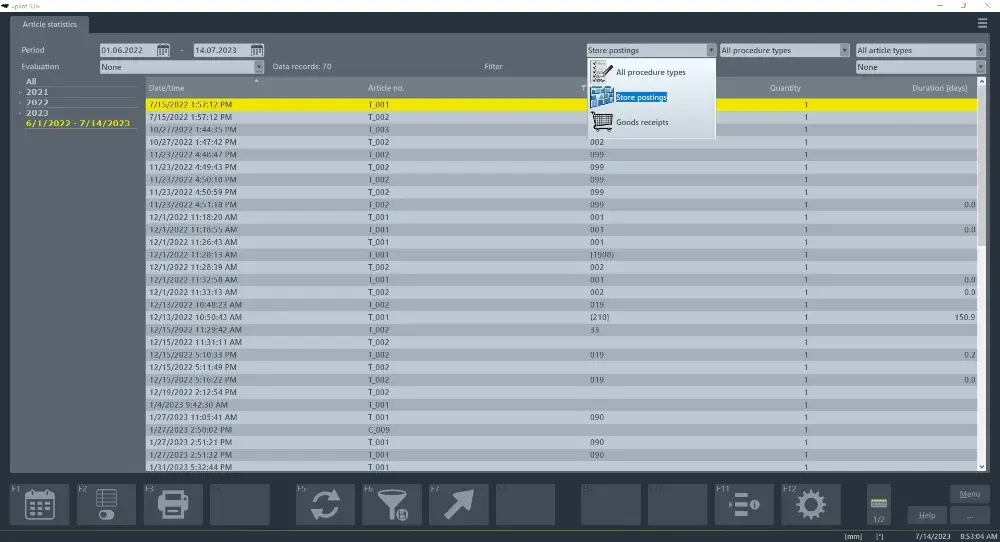
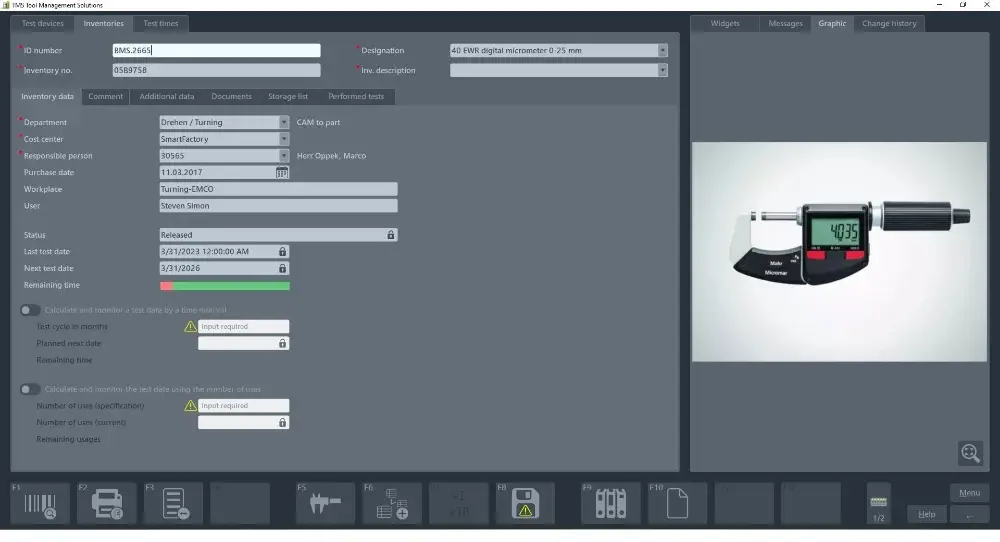
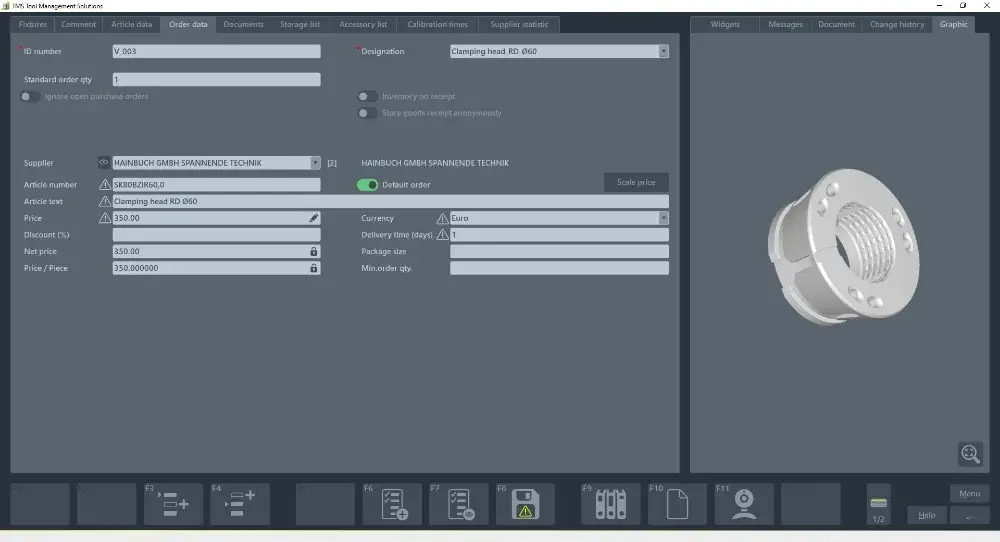
All storage locations are clearly represented in the TMS Tool Management Solutions software – controlled removal and logging of tools become simpler than ever.
According to the »toolStation« configuration and flyer.
Yes, they can also be controlled over the network.
ZOLLER TMS Tool Management Solutions is not required to use the Smart Cabinets. Start with a basic package and add modules or packages (BRONZE, SILVER or GOLD) later.
Make your preselection and get in touch with our ZOLLER sales team – we'll be happy to advise you and configure the model of your choice.
Sources: zoller.info »toolStation« with configuration, software & integration and FAQ · flyer »toolStation« workbench (version 07, 2024-08-21). The 3D model shows a medium-sized »toolStation« with rear panel and two »toolOrganizer«; components, hand tools, tool mounting device and lighting are examples; the screen shows the panel PC of a ZOLLER photo.
Find out how tool management from ZOLLER immediately increases your productivity. Processes run faster and more reliably with tool data—including crash protection for your machines.
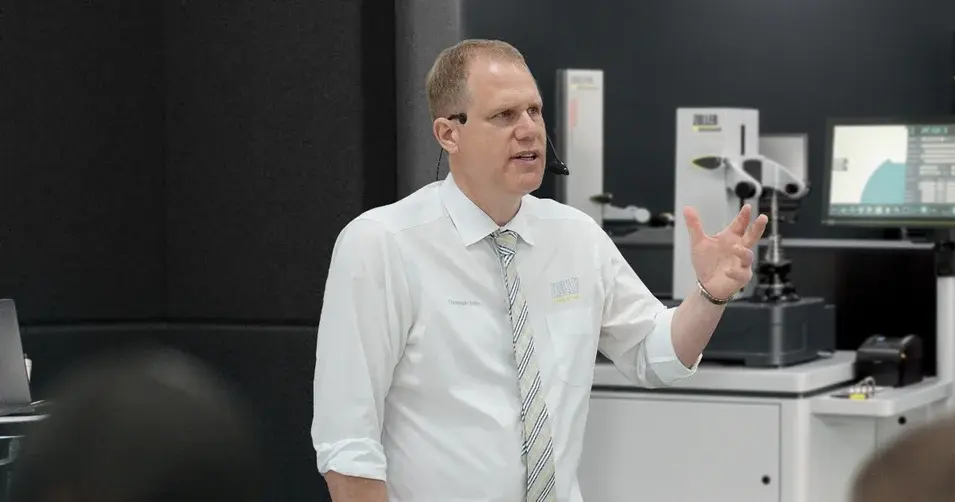
The individual exchange about your goals and our ideas for achieving them. Online advice from ZOLLER directly from the Smart Factory. Arrange your appointment now.

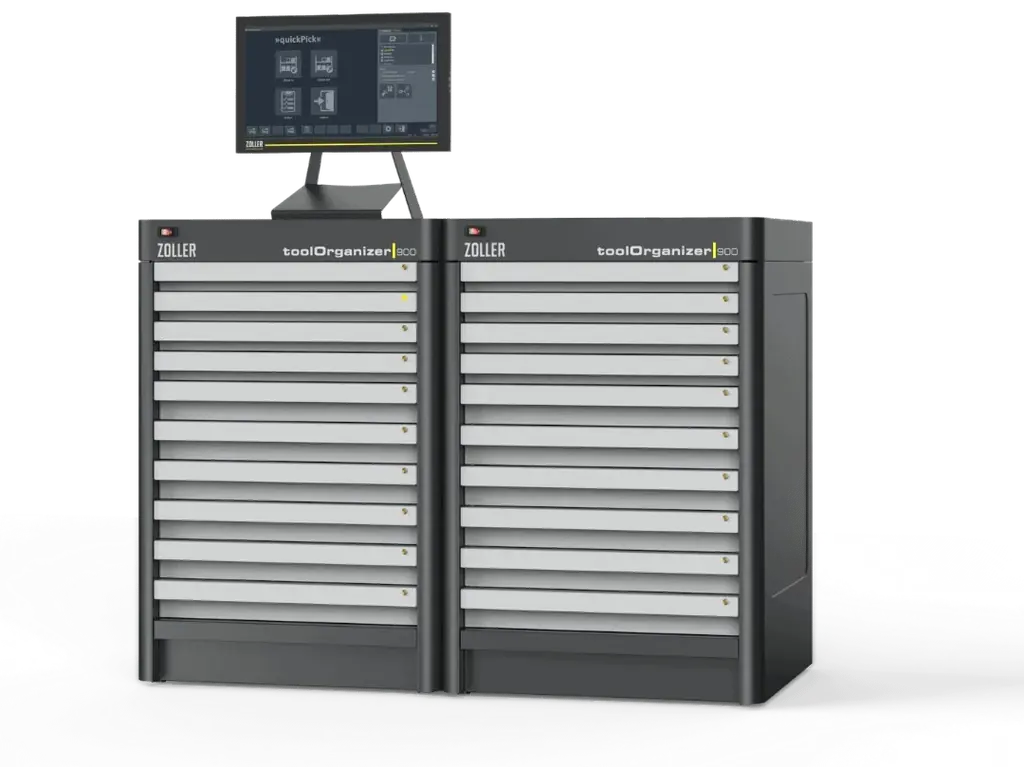 »toolOrganizer«
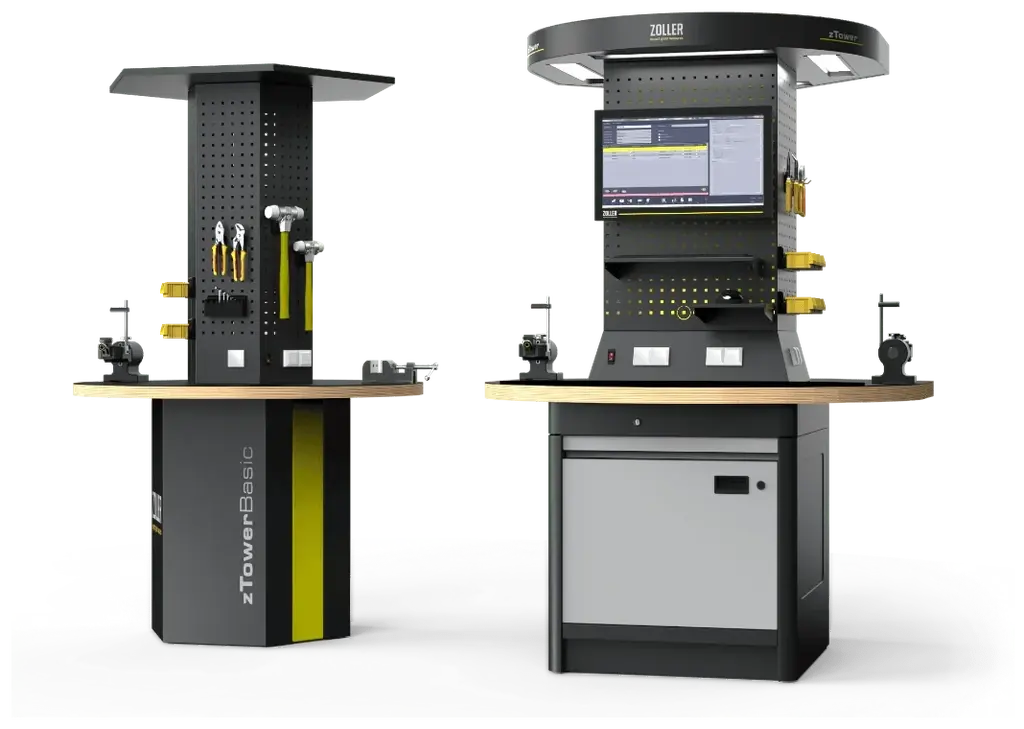 »zTower«
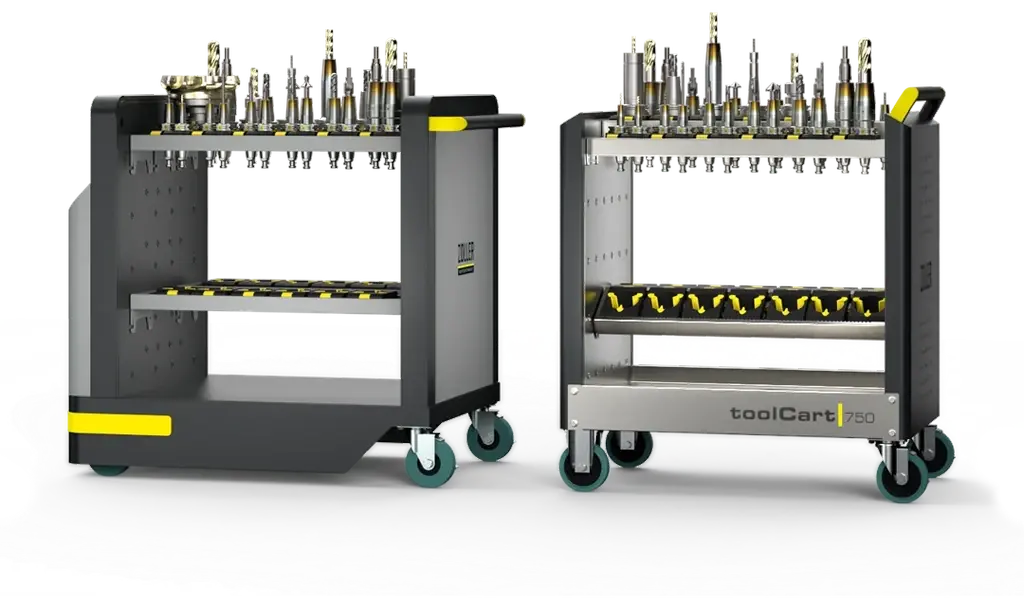 »toolCart«